AI Influencer Studio Guide: Human, Elf, and Edits (2026)

Mihaly Varga
Founder & AI Creative Director
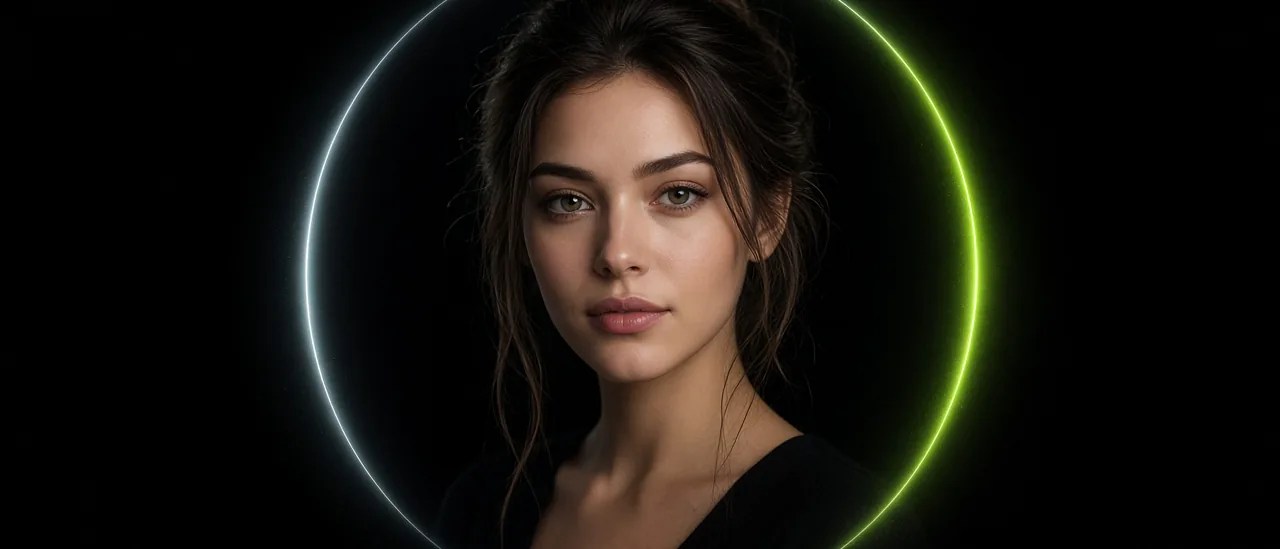
Influencer Studio builds a reusable person, not a one-off still. You pick a character type, generate a base portrait, then edit that identity with a prompt. The portrait belongs in the center preview, and older looks stay in the strip beside it.
Human and Elf keep face details
Gender, ethnicity, skin color, eye color, skin conditions, and age apply to Human and Elf. A panda, an alien, an orc, or a night elf does not use those human controls. They hide, and they are left out of the prompt so an old skin tone does not leak onto a non-human head.
- Start on CORE and pick Character type.
- For Human or Elf, set gender and age before you generate.
- For every other species, skip those rows. They are not valid.
- Generate once. The base portrait locks identity for later edits.
The customize bar has to do what you typed
Type to customize character is an edit of the locked person, not a warp filter. Face stretching means the gesture: hands on the cheeks, a pulled expression. It does not mean a smeared face, and it should not come back as a plain smile.
@scene, @outfit, and @vehicle work only with an image on that button. Upload the photo, the tag drops into the bar, then press EDIT. If you type @scene with no file, the job stops and asks for the image. Scene replaces the place. Outfit replaces the clothes. Vehicle puts the same person inside the car, not standing next to it.
If you leave the page
Generation keeps running after you leave the panel. Come back and the card should still be loading or finished, with the image in the center. Boldly, the corner avatar, can walk a beginner through CORE, face, body, and Generate. Drag that icon if it covers a control.
Open Influencer Studio, generate the base look, then use EDIT for the next photograph of the same person.
Hozzászólások
Betöltés…