AI Motion Control: Copy a Reference Camera Move

Mihaly Varga
Founder & AI Creative Director
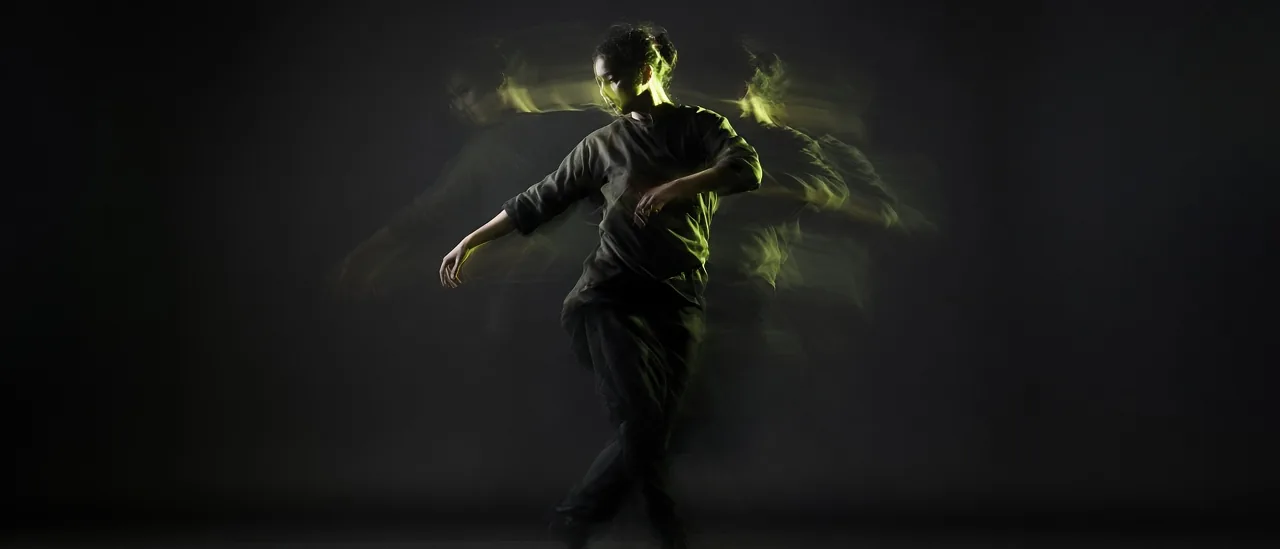
Motion Control is for a move you already have on video. You upload a reference clip and a character still. The job follows the motion instead of inventing a new camera from a sentence.
When a prompt is the wrong tool
Film Studio is better for a described shot: slow push-in, alley, tuxedo, audio on. Motion Control is better when the gesture is specific. A dance count, a product handoff, a turn you already filmed on a phone. Words smear those timings. A reference clip does not.
- Reference video: one person, full body or the limb that matters, steady light.
- Character still: a clear face, generated in Image Studio or Influencer Studio.
- Keep the reference short. A 4 to 8 second move transfers more cleanly than a minute.
Identity comes from the still
The reference supplies the move. The still supplies who is moving. A Nano Banana 2 portrait or an Influencer Studio character holds up better than a GPT Image 2.5 Sunburst poster, because Sunburst is built for graphic stills, not a face you need to track.
- 1Generate or upload the character still.
- 2Trim the reference to the move only.
- 3Open Motion Control and pair the two.
- 4If you also need speech, plan it in Film Studio or Audio Studio. Motion Control is the body, not the voice track.
Open Motion Control when you already have the gesture on video and only need your character to perform it.
Hozzászólások
Betöltés…