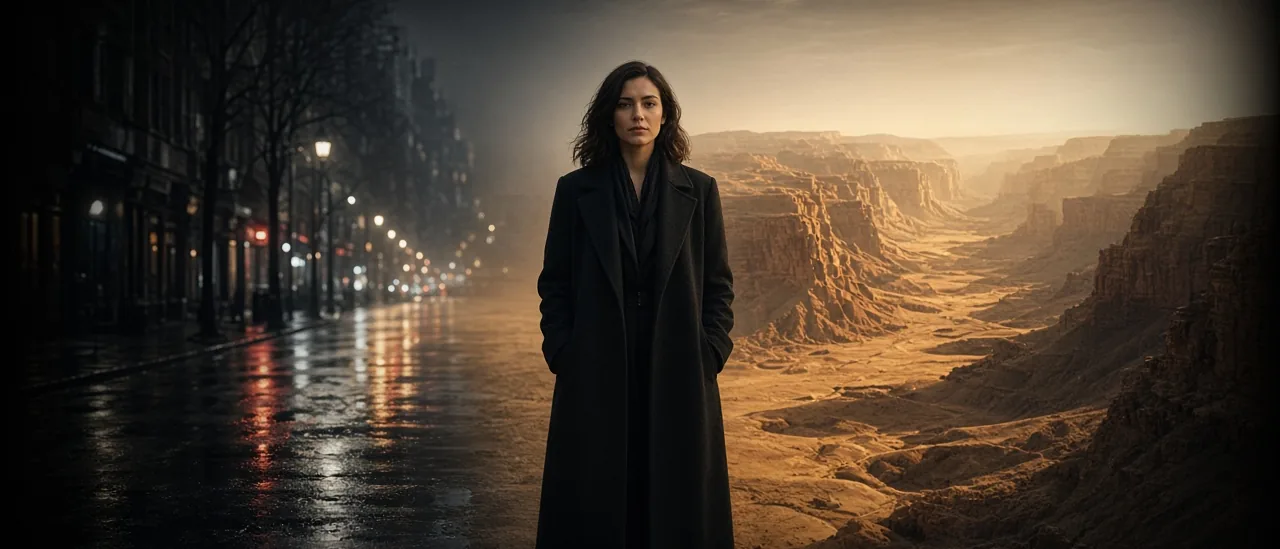
#flux 3 edit#ai video edit#black forest labs#film studio#restyle#video to video
FLUX 3 Edit — New Look, Same Clip (2026)

Mihaly Varga
Founder & AI Creative Director
23 September 2026
6 perc olvasás
FLUX 3 Edit is for a clip that already works. You prompt a new look. The take stays. It runs on Black Forest Labs through fal, inside the Film Studio apps.
Write the new world, not a new performance
- Describe the place, the light, and the grade.
- Leave the action out of the prompt if the clip already does it.
- One change per pass. Night and a new costume and a new lens is three jobs.
- Check the face on the first second and the last second before you export.
FLUX 3 Edit or Video Restyle
Video Restyle uses Kling or Seedance edit on the same idea: transform a clip you uploaded. Use FLUX 3 Edit when you want that Black Forest look pass. Use Restyle when the footage already belongs to a Kling or Seedance pipeline. Neither one replaces a start-frame generation in Film Studio when the motion itself is wrong.
Open FLUX 3 Edit and prompt only the world you want changed.
Hozzászólások
Betöltés…