GPT Image 2.5 Sunburst vs Nano Banana 2 (2026)

Mihaly Varga
Founder & AI Creative Director
People search for ChatGPT 2.5 Sunburst. The model in Image Studio is GPT Image 2.5 Sunburst: text-to-image and edit, on fal, next to GPT Image 2.5 and GPT Image 2. It is a stills model. It does not render video.
What Sunburst is for
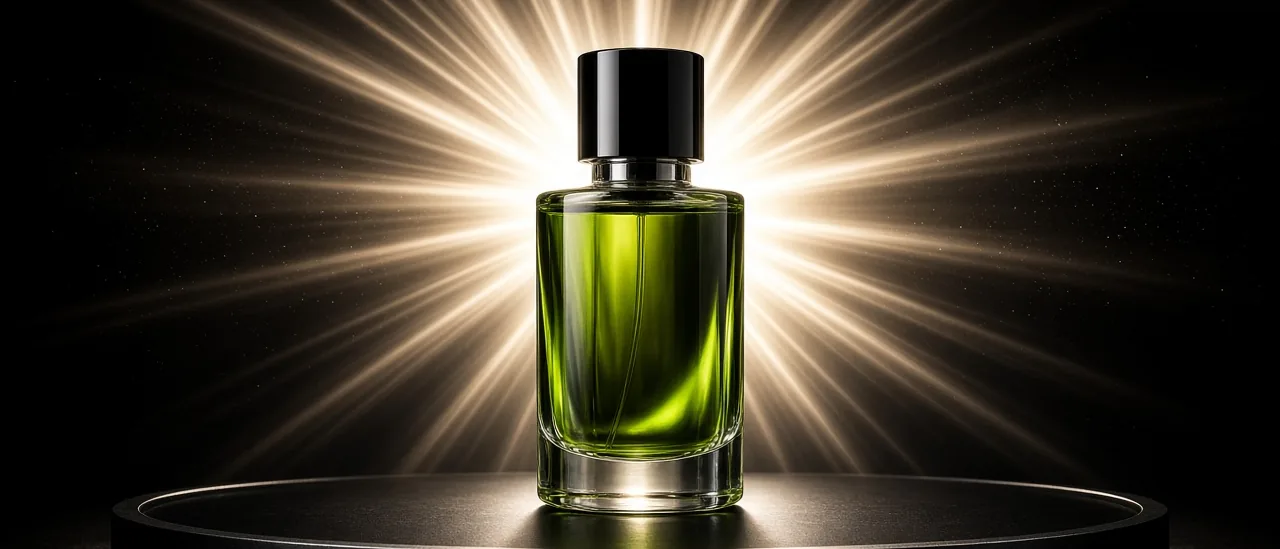
Use Sunburst when the frame is a designed image: a poster, a product hero, a graphic with readable type, or a bright stylized still you will later animate. Use Nano Banana 2 when you need a photographic person, reference images, and an identity you can carry into Film Studio.
- GPT Image 2.5 Sunburst: graphic punch, type, and a hotter color read.
- GPT Image 2.5: the base OpenAI image model in the same menu.
- Nano Banana 2: photoreal stills plus reference images. This is also Gemini 3.1 Flash Image.
- Nano Banana Pro: tighter text and consistency when Banana 2 drifts.
- Imagen 4: another photoreal option when you want a Google still without the Banana edit path.
Prompt Sunburst like a layout, not a film
Name the format first. Square campaign key art, vertical story cover, or 16:9 title card. Then the subject, the type if any, and the palette. Sunburst likes a clear graphic idea. A paragraph of camera directions written for Kling will look muddy here.
- 1Pick GPT Image 2.5 Sunburst in Image Studio.
- 2Set the aspect to the placement (1:1, 4:5, 9:16, or 16:9).
- 3Describe the layout in one sentence before the mood.
- 4If you need the same person in motion, switch to Nano Banana 2 for the still, then open Film Studio.
Do not animate Sunburst in place
Sunburst does not replace Seedance or Kling. Generate the still, download or keep it in your assets, and send that frame to Film Studio as the start image. Audio and camera moves belong to the video model.
Open Image Studio and select GPT Image 2.5 Sunburst when the job is a still with graphic impact. Select Nano Banana 2 when the job is a person you must recognize again.
Hozzászólások
Betöltés…