#timeline editor#ai video edit#my assets#film studio#export#rough cut
Timeline Editor for AI Video Clips (2026)

Mihaly Varga
Founder & AI Creative Director
23 September 2026
7 perc olvasás
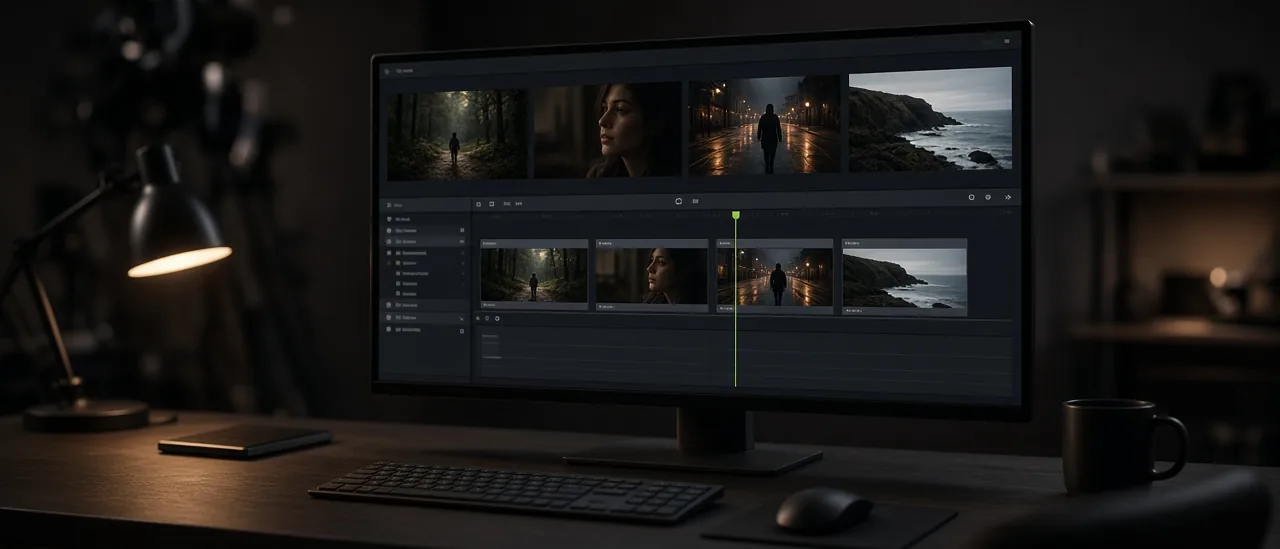
Film Studio makes the shots. Timeline is where those shots become a cut. It pulls clips from My Assets, then you trim, reorder, and export, or send the last frame back to Film Studio to continue.
A short sequence, not a new generation
- 1Generate each shot in Film Studio, or pull one from Templates.
- 2Open the clips from My Assets on the timeline.
- 3Trim the heads and tails. Most AI clips waste the first half second.
- 4Reorder until the cut reads. Export when it does.
- 5If the scene should continue, take the last frame back into Film Studio instead of stretching a bad tail.
What does not belong on the timeline yet
A restyle of one clip is Video Restyle or FLUX 3 Edit. A new camera on a still is Cinematic Shots or Angles. Timeline does not invent the picture. It orders pictures you already accepted.
Open Timeline after you have at least two clips worth cutting together.
Hozzászólások
Betöltés…