Film Studio Guide: Seedance 2.5 and Kling 3 (2026)

Mihaly Varga
Founder & AI Creative Director
Film Studio is the video workspace on Boldly. The model menu is three editions, not a pile of unrelated engines. Pick the edition for the shot, then the duration and whether the clip should carry sound.
Which Film Studio edition to use
- Film Studio 1.0 is Kling 3 Pro. Camera, look, start frame, end frame, and native audio when Audio is on.
- Film Studio 2.0 is Seedance 2.0. Cinematic image-to-video with audio and reference stills.
- Film Studio 3.0 is Seedance 2.5. Longer takes, up to about 30 seconds, plus audio and more references.
Seedance 2.0 Mini and Seedance 2 Fast sit in the same video list when you want a cheaper draft. They are the same family, not a different product. Use them to test the prompt, then rerun the hero take on 2.0 or 2.5.
Audio on is a generation setting
The speaker on a finished clip only plays a track the model actually wrote. Gallery thumbnails stay muted so the page does not blast sound. The opened player does not. If Audio was off, or the model cannot do speech, the file is silent and the icon cannot invent a soundtrack.
On Kling 3, Audio on sends generate_audio. Say the line in the prompt if someone should speak. Ambient sound still needs the audio flag. A prompt that only describes a suit in an alley will not add dialogue by itself.
Start frame, end frame, duration
- 1Upload a start still. Kling and Seedance follow that face and wardrobe.
- 2Add an end frame only when the last pose must match a second still.
- 3Kling 3 runs about 3 to 15 seconds. Seedance 2.5 can go longer.
- 4One shot is enough until the move is right. Batch after the prompt holds.
A prompt that survives the model
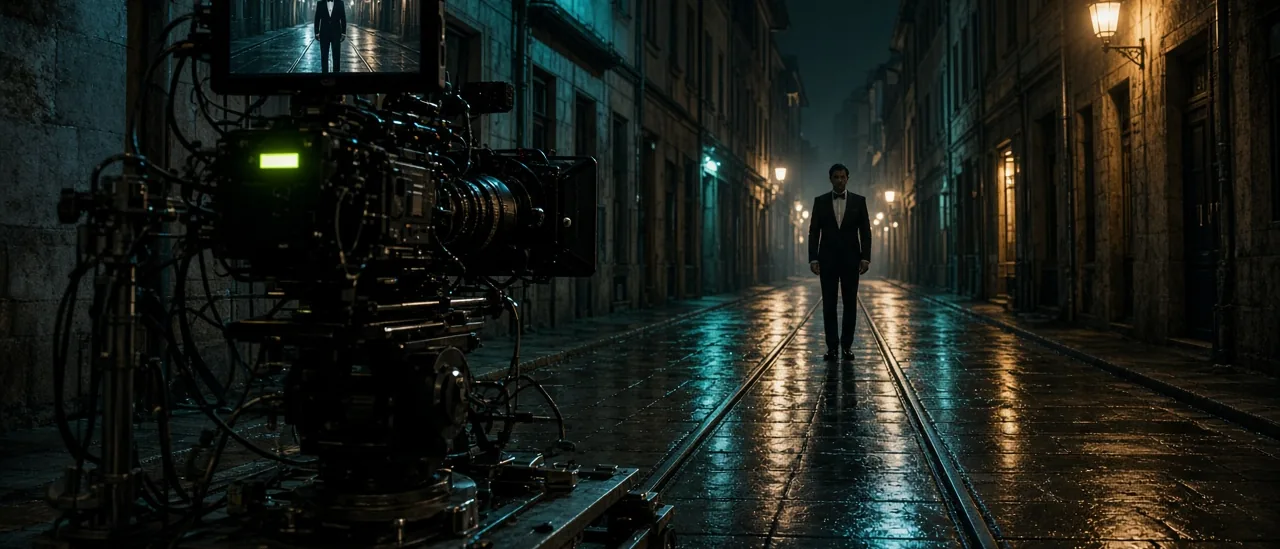
Write the subject, the move, and the sound in that order. Example: a man in a black tuxedo stands on tram tracks in a narrow street, slow push-in, distant city ambience, no dialogue. That is a Film Studio 1.0 shot. Swap the engine to Seedance 2.5 when you need the take to run past 15 seconds.
Open Video Studio, set Film Studio 1.0 or 3.0, leave Audio on if the clip should be heard, and generate from a still you already like.
Comentarii
Se încarcă…