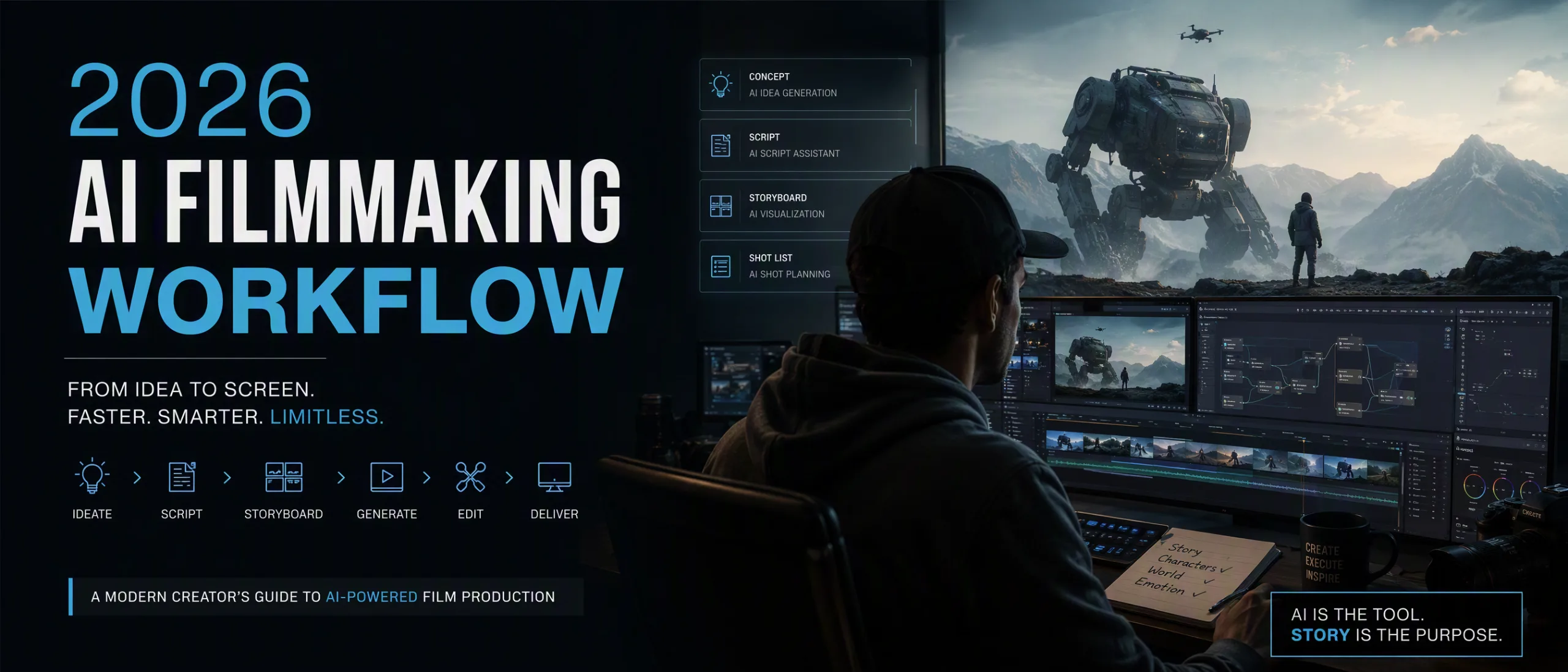
AI Filmmaking Workflow 2026: From Prompt to Cinematic Cut
Mihaly Varga
Founder & AI Creative Director
One of the biggest misconceptions about AI filmmaking is that it's just typing prompts and letting the AI do the work. In reality, modern AI films are built through layered creative workflows involving directing, editing, storytelling, sound design, and cinematic decision-making.
This is the exact 2026 production pipeline we use to create cinematic AI short films, trailers, viral social content, and YouTube projects using tools like Midjourney V7, Kling 3, Seedance 2, Veo 3, Runway Gen-4, ElevenLabs, and DaVinci Resolve.
Phase 1 — Concept Development
Every project begins with a cinematic concept — usually a strong emotional idea, visual atmosphere, or fictional world. Instead of writing full scripts immediately, we first define mood, pacing, visual identity, and the emotional tone of the film.
At this stage we create:
- World-building notes
- Character descriptions
- Visual references
- Camera style direction
- Colour palette inspiration
- Music and sound mood references
Phase 2 — Midjourney Character & Scene Design
Before generating video, we first establish cinematic consistency using Midjourney V7. We generate multiple versions of characters, environments, costumes, lighting setups, and compositions to build a reusable visual reference library.
This stage is critical because AI video models perform dramatically better when guided by strong visual references and structured prompts.
Phase 3 — AI Video Generation
Different AI video models excel at different tasks, so we rarely rely on only one tool.
- Kling 3 for cinematic realism and dynamic subject motion
- Runway Gen-4 for controlled camera movement and transitions
- Seedance 2 for character consistency and long-form scene generation
- Veo 3 for advanced cinematic realism and environmental motion
- Sora for large-scale environmental storytelling and physics
Phase 4 — Voiceovers & Audio Design
Modern AI filmmaking is no longer silent. Voice generation and sound design are now central parts of the workflow.
We use ElevenLabs for cinematic narration, trailer voices, multilingual dubbing, and emotional character dialogue. Ambient sound effects, cinematic impacts, drones, and layered music tracks shape the pacing and emotional intensity of every scene.
“The fastest way to make AI video feel cinematic is through sound design.”
— Mihaly, Boldly with AI
Phase 5 — Final Edit in DaVinci Resolve
All clips, voiceovers, sound effects, and music are assembled inside DaVinci Resolve Studio. The final edit is driven by rhythm, emotional pacing, and cinematic flow before polishing colour consistency and transitions.
- 1Import AI-generated clips and organise by sequences
- 2Build rough cinematic timeline around music
- 3Add transitions, speed ramps, and pacing adjustments
- 4Apply cinematic colour grading and film emulation LUTs
- 5Match shots generated from different AI tools
- 6Layer sound effects, impacts, ambience, and dialogue
- 7Create subtitles and social-media formatted versions
- 8Export final 4K masters and vertical short-form edits
The Biggest Shift in 2026
AI filmmaking is rapidly evolving from experimentation into a fully professional production pipeline. The creators succeeding today aren't just generating visuals — they're mastering cinematic storytelling, directing, pacing, editing, sound design, and emotional structure.
Mastering AI tools is important. But mastering creative direction is what transforms AI-generated content into films people actually remember.
Comments
Loading…