BoldlyWithAI x Cannon Studio: Stop Prompting One-Off Clips, Start Building AI Cinematic Universes

Mihaly Varga
Founder & AI Creative Director
If you are still navigating to isolated generative video websites, pasting a single text prompt into a blank box, and praying that the neural network randomly creates a usable 4-second clip, you are operating an outdated workflow. The novelty of slot-machine AI generation died at the end of 2025. Today, in 2026, creating high-value commercials, movie trailers, localized marketing campaigns, or viral narrative short films requires strict architectural control. You cannot build a business on lucky generations.
To move from basic prompting to industrial-grade digital production, your tools must understand continuity, spatial relations, and persistent project logic. That is precisely why BoldlyWithAI has officially partnered with Cannon Studio to launch the ultimate AI Video Education Hub. This guide breaks down the core structural differences between old-school text-to-video engines and Cannon Studio's state-of-the-art operating system.
The Continuity Crisis: Why the Standard Prompt Box Fails
The single biggest bottleneck in standard AI video generation is the mathematical vacuum of the single prompt. When you generate a stunning shot of a medieval knight standing inside a dark canyon, the underlying model models those pixels dynamically based on seed data. However, the moment you hit generate on your next shot—even if you use the exact same prompt with minor changes—the model randomizes the underlying seed architecture.
The result? In shot one, your knight has clean steel plate armor and a closed visor. In shot two, the armor changes to a dark iron shade, the helmet geometry shifts, and the background canyon walls morph from granite to limestone. Your narrative continuity breaks instantly. To fix this in post-production, editors are forced to spend hours masked in EbSynth, running tedious style transfers, or discarding 95% of their premium render credits just to match a single sequence. This brute-force workflow is completely unsustainable for commercial client deadlines.
How Cannon Studio Rewrites the Rules: The Reusable World Philosophy
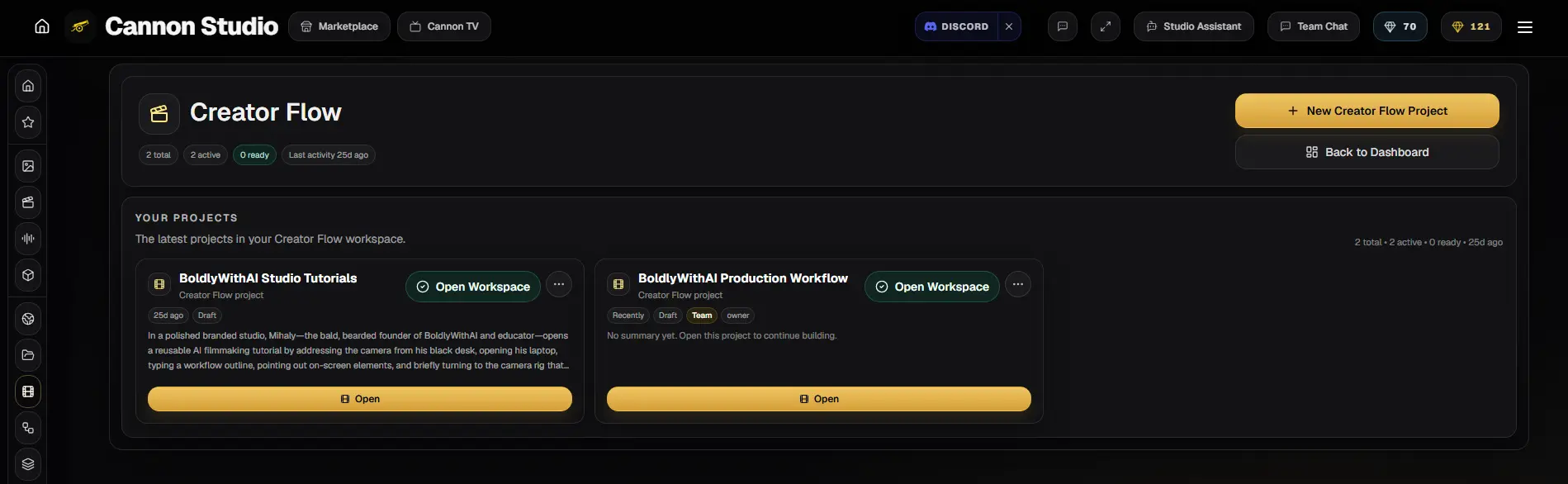
Cannon Studio eliminates the isolation of individual renders by treating your video production like a real, physical Hollywood soundstage. Instead of a text input line, you are presented with a unified workspace called Creator Flow. Inside this workspace, generations are not temporary events; they are elements attached to a persistent, production-aware database.
Instead of describing your world repeatedly, Cannon Studio requires you to build what they call a Project Canon. This canon acts as an anchor point for the entire neural network, splitting production assets into three core layers:
- Persistent Character Seeds: You anchor your character's facial topography, structural clothing, and unique geometry once. The AI registers this layout as a permanent token base across all subsequent camera angles.
- Deterministic Environmental Anchoring: You lock in your environmental parameters—such as ambient lighting temperatures, weather profiles, architectural materials, and focal depths—ensuring that shot 5 and shot 50 take place in the exact same world space.
- Integrated Video Composer Timeline: Cannon eliminates the need to constantly download files, manage local storage, and sort through nameless MP4s inside premiere. The environment features an integrated multi-track timeline where audio layers, synthetic voiceovers, and raw renders exist inside a single web interface.
Under the Hood: Spatial Token Anchoring vs. Basic Models
To truly understand why Cannon Studio stands out from competitors like Runway Gen-3, Luma Dream Machine, or OpenAI Sora, we have to look at how data is managed behind the scenes. Standard video generation models run on linear diffusion transformers. They read tokens from left to right and attempt to generate a temporal video sequence purely based on conceptual probability.
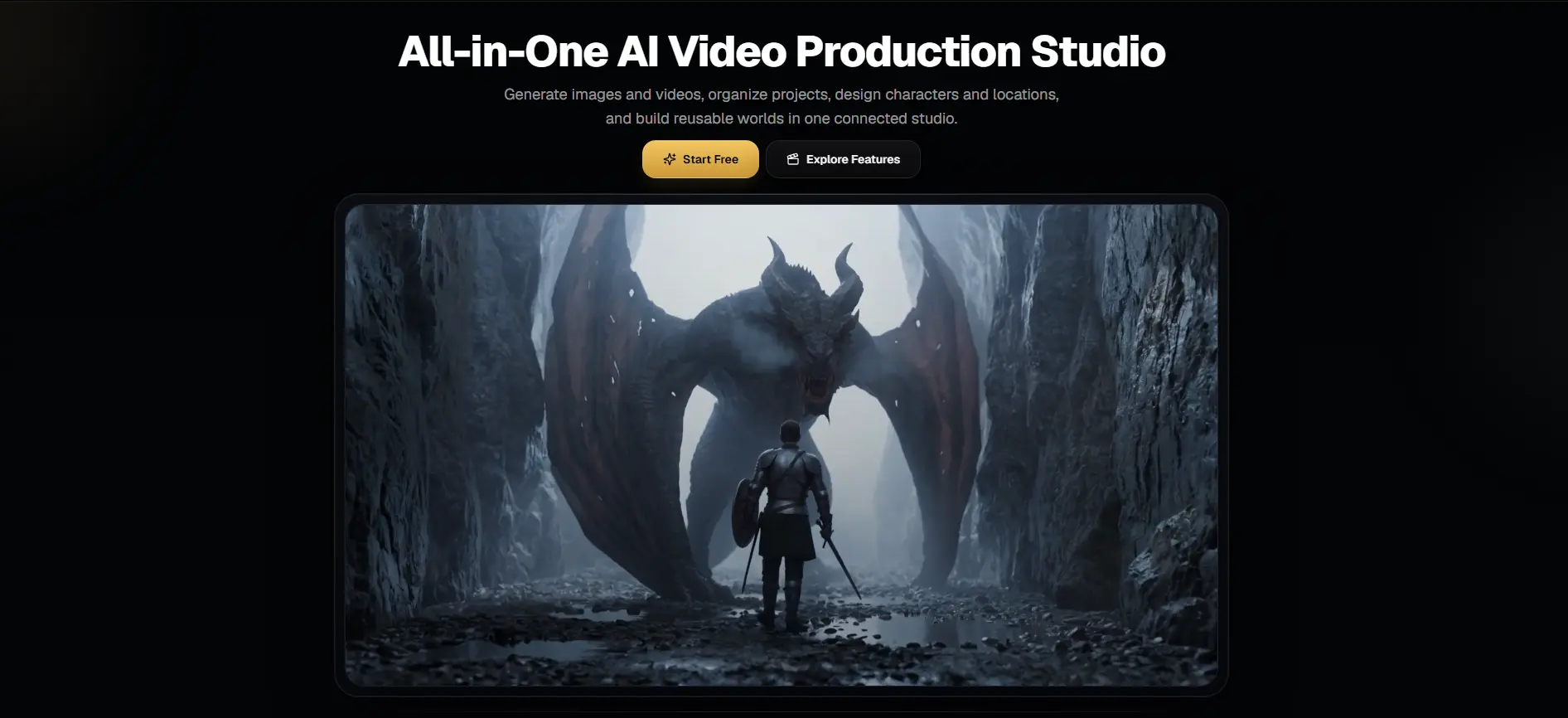
Cannon Studio utilizes a proprietary hybrid system called Spatial Token Anchoring (STA). Before the video generator processes a single pixel, it maps out a low-fidelity 3D wireframe model of the scene based on your inputs. If you stage a scene where a massive red dragon is blocking a path in front of a knight, Cannon's engine locks those positions in a virtual 3D coordinate system.
When you change camera views from a wide cinematic tracking shot to a close-up over-the-shoulder perspective, the model does not guess what the scene looks like from the new angle. It moves the virtual lens within that established 3D coordinate map and forces the diffusion engine to render pixels only within those strict spatial boundaries. This ensures that the scale of the monster, the structural layout of the rocks, and the lighting angles stay uniform across multiple cuts.
Direct Comparison Matrix: The 2026 Production Landscape
Let us take an objective, non-sugarcoated look at how Cannon Studio stacks up against other major platforms currently dominant in the market:
- Traditional Standalone Engines: High raw visual quality, but absolute zero character consistency between cuts. Ideal for random 4-second stock footage, useless for structured narrative filmmaking.
- OpenAI Sora / Closed Ecosystems: Incredible cinematic text adherence, but locked behind massive pricing walls or strict corporate APIs with zero customized UI workflows for independent directors.
- Cannon Studio Creator Flow: Complete character preservation via STA, built-in non-destructive texturing, native audio sync, and an asset marketplace designed to reduce generation waste by up to 70%.
The Pro Workflow: Building a Scene Start-To-End inside Creator Flow
If you want to achieve professional results on your very first day using Cannon Studio, do not start throwing complex prompts into the engine. Follow this industrial production sequence developed by the BoldlyWithAI creative team:
- 1Step 1 — Cast Your Subject: Navigate to the Asset Studio and lock down your character tokens. You can upload a collection of reference photos of a real subject or generate a synthetic face directly in the dashboard.
- 2Step 2 — Set the Location Profile: Define your environment. Instead of saying 'a snowy mountain at twilight,' use explicit cinematic direction: 'Anamorphic 35mm lens, high-contrast chiaroscuro lighting, ambient cool tones, 5600K color balance.'
- 3Step 3 — Structural Scene Blocking: Drag and position your focus boxes inside the viewport to designate where the actor stands relative to the camera lens. This eliminates random background warping.
- 4Step 4 — Frame Sequencing: Instead of rendering clips individually, populate your storyboard tracks sequentially. Cannon allows you to duplicate the scene data directly into a second frame slot, changing only the camera path (e.g., changing from a static wide shot to a high-speed dolly zoom).
- 5Step 5 — Direct Audio Integration: Layer your script text into the timeline track. Cannon's background pipeline auto-synthesizes the voice layers, applying realistic room acoustics based on the virtual size of the environment you configured in Step 2.
🚀 Onboarding: Claim Your Studio Workspace & Initial Credits
As part of our commitment to structured AI education, BoldlyWithAI has negotiated a dedicated integration portal directly with the Cannon development team. This integration bypasses the standard, restrictive free-user queues and places our students inside an accelerated rendering node tier.
By registering your account through our official partner workspace gateway, your new profile is instantly linked with our education matrices. This allows you to fluidly copy layout blueprints, workflow presets, and persistent project seeds directly from our training courses into your active creation dashboard.
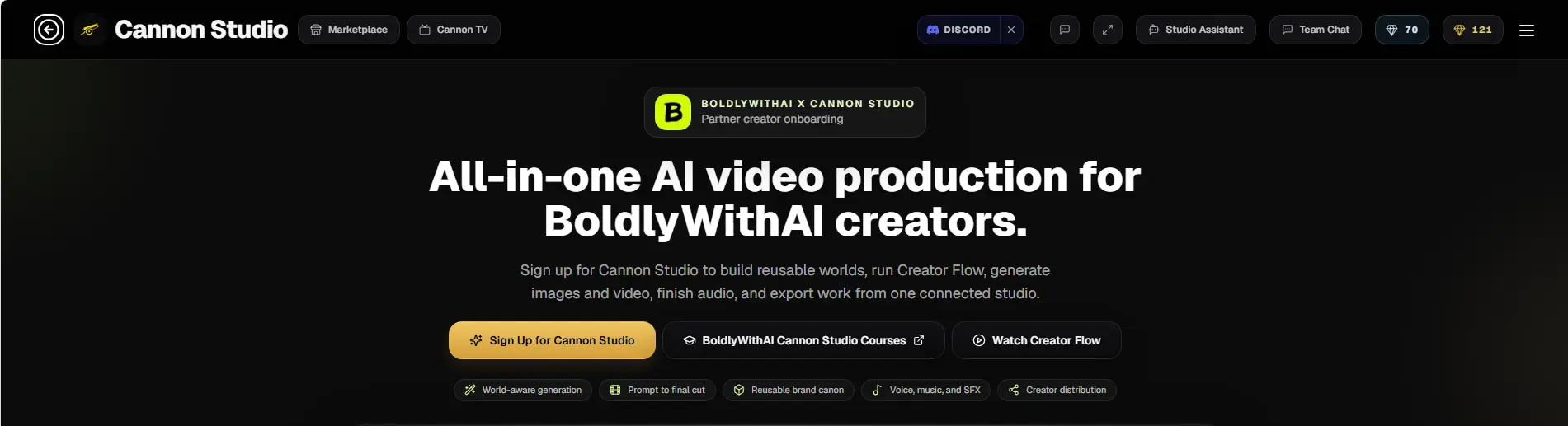
"Do not sign up using a generic home screen link. Navigate to our official co-branded onboarding page: https://www.cannonstudio.app/boldlywithai. Registering via this specific pipeline grants you priority GPU rendering access, unlocks up to three concurrent multi-scene projects inside the Creator Flow UI, and provides a continuous monthly credit discount for all advanced video generation pipelines."
— Mihaly Varga, Creative Director Hub Note
Once inside the dashboard, your first task should be navigating to the template bank, running a baseline 3D Scene Blocking pass, and benchmarking how the engine keeps a complex cinematic character stable across three distinct camera moves. You will quickly see why professional content teams are leaving old promptboxes behind.
Stop Guessing. Start Directing.
The gap between amateurs and professionals in the AI age is not determined by who writes the fanciest text prompts. It is determined by who controls the pipeline. Knowing how to engineer complex scene nodes, budget your computing allocations, apply advanced style overlays, and build flawless commercial content requires systematic guidance.
We have packaged our entire field-tested studio framework into specialized premium modules, guiding you step-by-step from raw creative vision to high-paying client delivery using Cannon Studio.