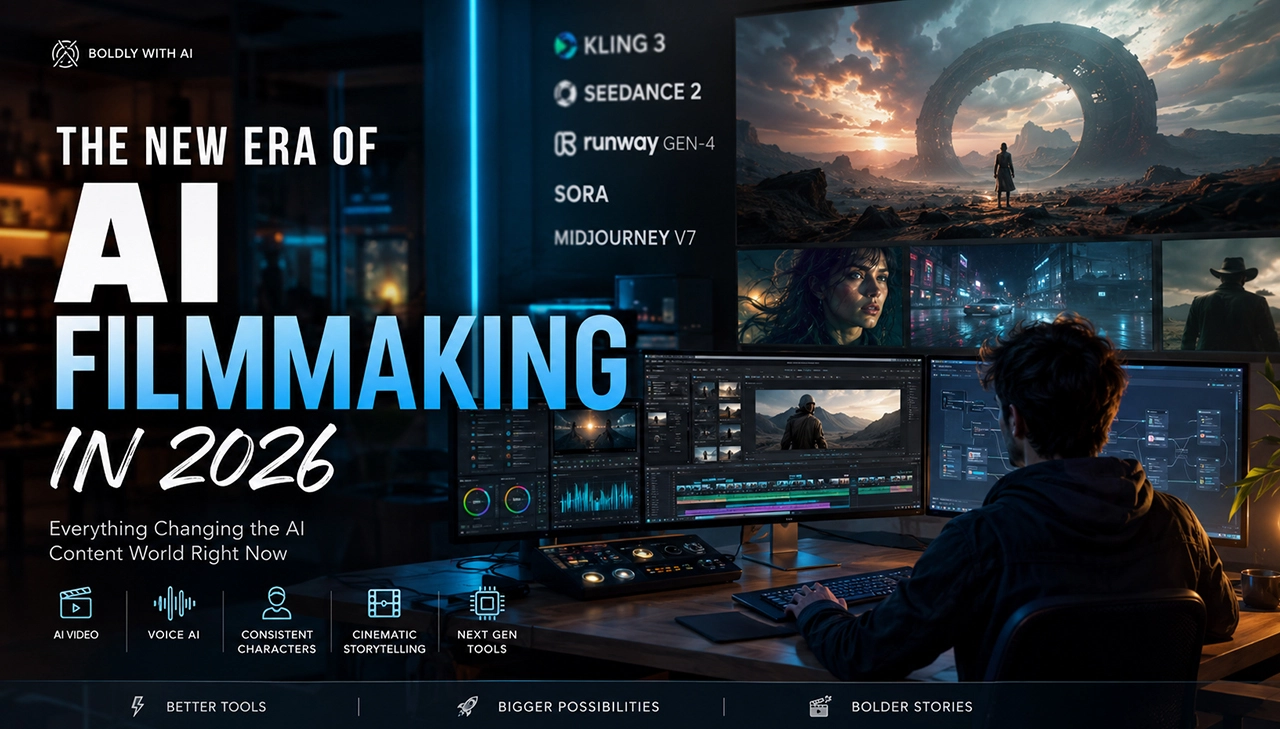
How AI Video Generation Actually Works (No Technical Jargon)

Mihaly Varga
Founder & AI Creative Director
AI video feels like magic until a face melts, a logo warps, or a character changes jackets between seconds. Then it feels random. It is neither magic nor pure chaos. Modern AI video tools are pattern engines that try to invent a short movie clip from your instructions and references — one frame after another — while staying believable enough to watch.
This Boldly with AI guide explains how AI video generation works in plain language. No heavy math. No academic paper cosplay. Just the mental model creators need to prompt better, plan shots smarter, and stop taking identity drift personally.
“The model is not obedient. It is predictive. Your job is to make the right prediction easy.”
— Mihaly Varga, Boldly with AI
The Simple Picture: From Words to Moving Frames
When you type a prompt and hit generate, the system does not dig up a hidden stock clip that matches your sentence. It builds a new sequence. Think of it as asking a very fast visual improviser to imagine a shot, then revise that imagination until the motion looks coherent enough to export.
Under the hood there is complex learning from huge amounts of video and image examples. For creators, the useful translation is this: the tool has seen countless patterns of faces, cameras, lighting, and motion. Your prompt steers which patterns get combined. Your references nudge the result toward a specific look, person, or product.
What you are really asking for
- A subject the model can hold onto
- A place and lighting condition that stay stable
- A camera behavior that makes sense over time
- An action that can be performed without rewriting the whole scene every frame
If any of those are vague, the improviser fills gaps with statistically common guesses. That is why generic prompts produce generic cinematic sludge — pretty, familiar, and hard to own.
Text-to-Video in Everyday Terms
Text-to-video means the main input is language. You describe the shot. The model tries to invent matching visuals and motion from that description. This is powerful for ideation, atmosphere, and scenes where exact brand fidelity is not the first priority.
What text does well
- Setting genre and mood quickly
- Calling camera moves like push-in, orbit, handheld, crane
- Defining action: walks in, turns, pours, opens, looks back
- Exploring concepts before you invest in references
Where text alone struggles
- Exact faces across multiple clips
- Precise logo and packaging details
- Complex multi-step actions with props
- Long scenes where identity and wardrobe must remain locked
Text is direction. It is not a legal contract with the pixels. The clearer and more visual your language, the fewer gaps the model has to invent.
Image-to-Video in Everyday Terms
Image-to-video starts from a still. That still can be a photograph, a rendered keyframe, a product shot, or an AI-generated board frame. The model then tries to make that image move while respecting what it already sees.
This is why image-to-video is often better for product work and character continuity. You are no longer asking the model to invent the subject from scratch. You are asking it to animate a subject you already approved.
What the still is doing
- 1Locking composition and subject identity at frame one
- 2Providing wardrobe, materials, and design details text might miss
- 3Giving the motion engine a target to preserve while camera or action changes
- 4Reducing random reinterpretation between generations
A weak still still produces weak video. Blurry faces, tiny logos, messy backgrounds, and unclear subject hierarchy travel into the motion. Treat the still like a hero frame, not like a rough sketch you hope the video model will fix.
What Prompts Actually Do
A prompt is not a spell. It is a steering document. Good prompts reduce ambiguity. They tell the model what matters most, what should move, what should stay stable, and what kind of camera is recording the moment.
The five jobs inside a useful prompt
- 1Subject: who or what owns the frame
- 2Action: what changes over time
- 3Environment: where this is happening and how it is lit
- 4Camera: lens feel, move, and pacing
- 5Constraints: what must remain true — face, logo, wardrobe, time of day
Adjective stacking is the amateur trap. "Cinematic, epic, stunning, ultra detailed" does not direct a shot. "35mm slow push on a red sneaker rotating under soft top light" does.
“If your prompt could describe a thousand different clips, the model will pick one you did not mean.”
— Mihaly Varga, Boldly with AI
Model-specific prompt packs help because different tools respond better to different camera vocabularies and pacing cues. Seedance-oriented direction often rewards cinematic continuity language. Kling-oriented direction often rewards clear kinetic motion. The underlying idea stays the same: reduce guesswork.
Why Consistency Fails
Consistency fails because the system is generating possibilities over time, not retrieving one locked digital puppet. Every moment of the clip is a fresh compromise between looking realistic, following your prompt, and continuing from previous frames. When those pressures conflict, details drift.
Common reasons faces and products drift
- The prompt describes mood more strongly than identity
- No reference image anchors the subject
- The action is too complex for the clip length
- Camera motion is wild, so the model re-invents the subject from new angles
- You stitch multiple generations that were never identity-matched
- Lighting or wardrobe instructions conflict across beats
This is not you failing at AI. This is the medium telling you that identity is a production problem. Filmmakers solve it with references, controlled shot lists, wardrobe continuity, and fewer miracle asks per take. AI filmmakers need the same discipline.
Practical consistency habits
- 1Approve a hero still before chasing motion
- 2Change one variable per regeneration when debugging drift
- 3Prefer shorter clean actions over overloaded choreography
- 4Keep wardrobe and props simple when the face is the product
- 5Rebuild from the best frame instead of forcing a bad take to continue
Motion Is Harder Than Still Images
A still image only has to look right once. A video has to look right while things change. Hands move. Cloth shifts. Mouths attempt speech. Cameras travel. Reflections slide. Each change creates new chances for the model to guess wrong.
That is why a gorgeous keyframe can still become a mediocre clip. The still proved appearance. The video must prove behavior. When you brief AI video, brief the behavior as carefully as the look.
- Easy motion: slow push, gentle turn, hair in wind, product orbit
- Medium motion: walk cycle, simple hand interaction, door entrance
- Hard motion: fast fight choreography, finger-level product assembly, multi-person blocking, long dialogue sync
Choose battles your current tool can win. Save impossible choreography for tools, techniques, or shoot days that can support it.
Seeds, Modes, and Why Two Runs Differ
If you generate twice with a similar prompt and get different clips, that is normal. Many systems include randomness on purpose so results explore variations. Modes may also change how strongly the tool prioritizes beauty, motion strength, adherence to a reference, or clip length.
Creator-friendly interpretation
- Same prompt, different take: the model is improvising within your brief
- Stronger reference: less freedom, more loyalty to the still
- Stronger motion mode: more energy, sometimes more instability
- Longer duration: more time for drift to appear if identity is weakly anchored
Professionals do not expect one perfect button press. They expect a directed search. Generate, evaluate against the brief, adjust one instruction, generate again.
Audio, Lip Sync, and the Missing Half of the Illusion
Some AI video tools now invent sound or support speech-related motion. Others remain mostly silent and expect you to add audio in edit. Either way, sound is often where audiences decide if a clip feels finished.
Lip sync and dialogue are especially unforgiving because humans are experts at faces talking. If your story depends on perfect speech performance, plan for extra control tools, careful prompting, shorter lines, or traditional voice workflows. Do not assume every generator is a full virtual actor yet.
A Creator Mental Model You Can Use Today
Stop thinking "make my idea." Start thinking "reduce the number of guesses." Every clear subject, locked reference, named camera move, and simple action removes a guess. Every vague adjective adds one.
- 1Decide the shot job in one sentence
- 2Choose text-to-video for exploration or image-to-video for fidelity
- 3Write subject, action, environment, camera, constraints
- 4Generate a short take and judge it against the job, not against vibes
- 5Change one thing and regenerate
- 6Edit sound, captions, and pacing like a real cut
This is the same loop used in professional AI studios. Tools differ. The directing habit transfers.
References Are Not Optional for Serious Work
Text can start a scene. References finish a brand. A clean face still, product packshot, location frame, or wardrobe board gives the model something concrete to protect while motion happens. Without that anchor, every regeneration is a new audition with a slightly different actor wearing a slightly different jacket.
In studio practice we treat references like continuity documents. Name them. Version them. Reuse the winners. If your folder of "final_final_v7" stills is chaos, your video consistency will be chaos with nicer lighting.
What makes a strong reference
- Subject large enough in frame to read eyes, logo, or materials
- Lighting that matches the intended video mood
- Minimal clutter competing with the hero subject
- One clear angle you are willing to protect across takes
Editing Is Part of Generation
AI video generation does not end at download. The cut decides whether a take feels intentional. Trimming to the cleanest action, adding sound, correcting color, and placing captions are not afterthoughts — they are how predictive footage becomes directed content.
Many "bad generations" are actually unfinished edits. Before you burn more credits, ask whether a tighter in-point, a sound hit, or a simpler crop would already solve the problem. Credits are expensive. Judgment is reusable.
What This Means for Learning and Production
If you are learning, study failed generations as diagnostics. Ask what guess the model made. If you are producing, build templates so your team is not re-explaining camera language every session. If you need volume or higher reliability, combine better prompting with the right paid capacity — or bring in a service team when time is the scarce resource.
- Learners: focus on shot clarity before model hopping
- Creators: keep reusable prompt skeletons for your recurring formats
- Teams: standardize references and naming so consistency is operational
- Brands: separate exploration credits from delivery credits
FAQ
Is AI video just morphing between images?
Not in the old slideshow sense. Modern generators synthesize motion across frames with learned patterns of how things move and look. It can feel like morphing when consistency fails, but the system is trying to invent continuous video, not merely crossfade stills.
Why does my clip look good at the start and fall apart later?
Early frames are closer to your still or initial concept. As motion continues, small errors can compound. Longer clips and harder actions raise the chance of drift unless identity and camera are strongly constrained.
Do better prompts guarantee better video?
They improve your odds and reduce waste. They do not eliminate randomness or model limits. Prompts are leverage, not a warranty.
Should beginners start with text-to-video or image-to-video?
Start with text-to-video to learn camera language and taste quickly. Move to image-to-video as soon as you care about a specific face, product, or composition. Most serious workflows use both.
What should I learn next after this explanation?
Practice on short, single-job clips. Use prompt packs for structure, study finished AI movie scenes for pacing inspiration, and only then expand into multi-shot stories.
You do not need the mathematics of modern generative models to direct them well. You need a clear shot, strong references, honest limits, and a prompt that removes guesswork. That is how AI video generation actually works for creators who ship.
Comments
Loading…