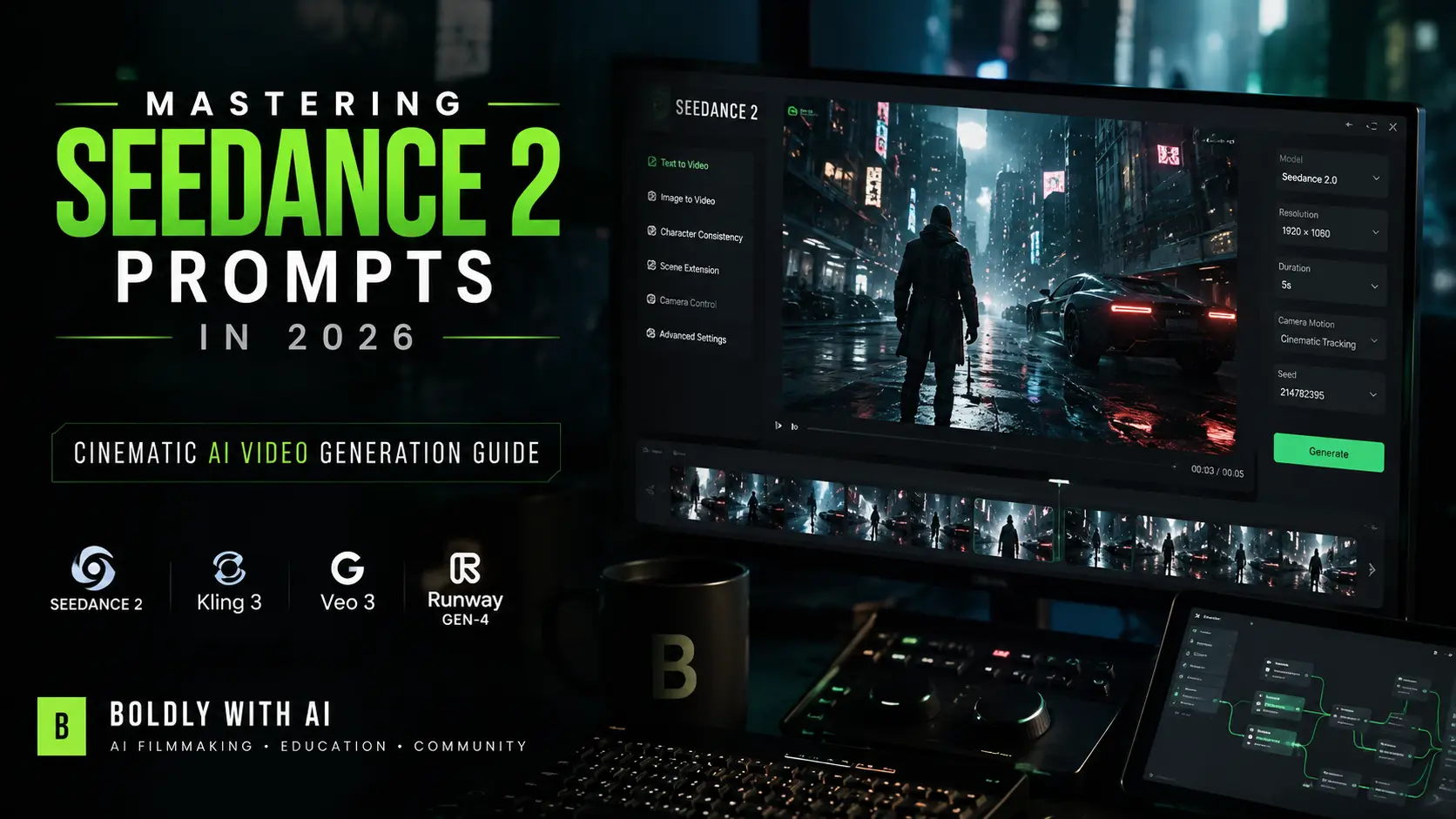
Mastering Seedance 2.0 Camera Controls: The Ultimate AI Video Prompting Playbook

Mihaly Varga
AI Creative Director
The era of untamed, chaotic AI video prompts is officially over. In 2026, professional AI filmmaking requires complete predictable control over how the camera moves, how light behaves, and how characters interact across cuts. Standard text-to-video platforms often force creators to compromise on their artistic vision. By utilizing Seedance 2.0, directors finally gain a precise multimodal input pipeline capable of digesting up to nine images, three video clips, and three audio reference files simultaneously.
This guide breaks down our studio-tested prompting framework used here at Boldly with AI. We will explore the exact technical vocabulary needed to command the Seedance 2.0 engine, prevent identity drift across scenes, and execute complex cinematic motion without distorting human anatomy or product details.
The Universal Anatomy of a Seedance 2.0 Prompt
To achieve high-end cinematic quality on every single generation, you must stop describing abstract ideas and start instructing the model using photographic reality. A production-ready camera prompt must be structured as an extended brief containing the following components in strict order: subject, setting, cinematic lighting style, camera angle, motion directives, and technical medium constraints.
- 1Subject & Material Reality — Define the primary actor, clothing textures, and exact materials (e.g., weathered leather, glossy carbon fiber, reflective metallic plates).
- 2Environment & Atmosphere — Describe the surrounding background, depth, and environmental factors like floating dust particles, volumetric fog, or wet concrete reflections.
- 3Kinetic Camera Vocabulary — Direct the camera's lens, speed, and specific physical path relative to the subject rather than letting the AI decide the focus.
- 4Lighting & Chromatic Profile — Lock the exact light source (e.g., golden hour dusk, harsh overhead fluorescent tubes) and color grading styles.
The Camera Motion Vocabulary
Using generic verbs like 'pan' or 'movement' often leads to erratic shifting in generated video clips. To instruct Seedance 2.0 like a real Hollywood camera crew, replace simple verbs with precise technical directives that establish perspective and fluid tracking:
- Anamorphic Push-In — Instructs a slow, widescreen cinematic push-in on the subject, intensifying tension while maintaining focus.
- Low-Angle Crane Track — Captures the scale of giant subjects, moving slowly upward along vertical structural pillars.
- High-Speed Tracking Shot — Captures peak action sequences, adding cinematic motion blur to fast-moving objects or sprinting characters.
- Vertigo Whip-Pan — Creates a rapid horizontal pan transition with dramatic motion blur, perfect for fast-paced commercial cuts.
"In AI filmmaking, the camera is your virtual lens. True creative directors do not let the model speculate on camera paths. They blueprint the movement word by word, slot by slot."
— Mihaly Varga, Founder & AI Creative Director
A Production-Ready Template to Try
Below is a real commercial-grade prompt template we constructed for one of our successful fantasy characters. Copy this prompt directly into your Seedance 2.0 system to see the difference in movement quality:
An anthropomorphic orange tabby cat warrior wearing detailed green leather armor sprints through a dark gothic medieval city covered in purple fog. A monstrous shadow creature lunges from the darkness while the cat warrior parries attacks with fluid martial arts combat. Cinematic tracking shot, low-angle drone movement, glowing lanterns, dramatic fantasy lighting, stylized cg animation, atmospheric volumetric fog, detailed fur simulation, epic fantasy action, high-end cinematic visuals, Arri Alexa look, 1080p resolution.