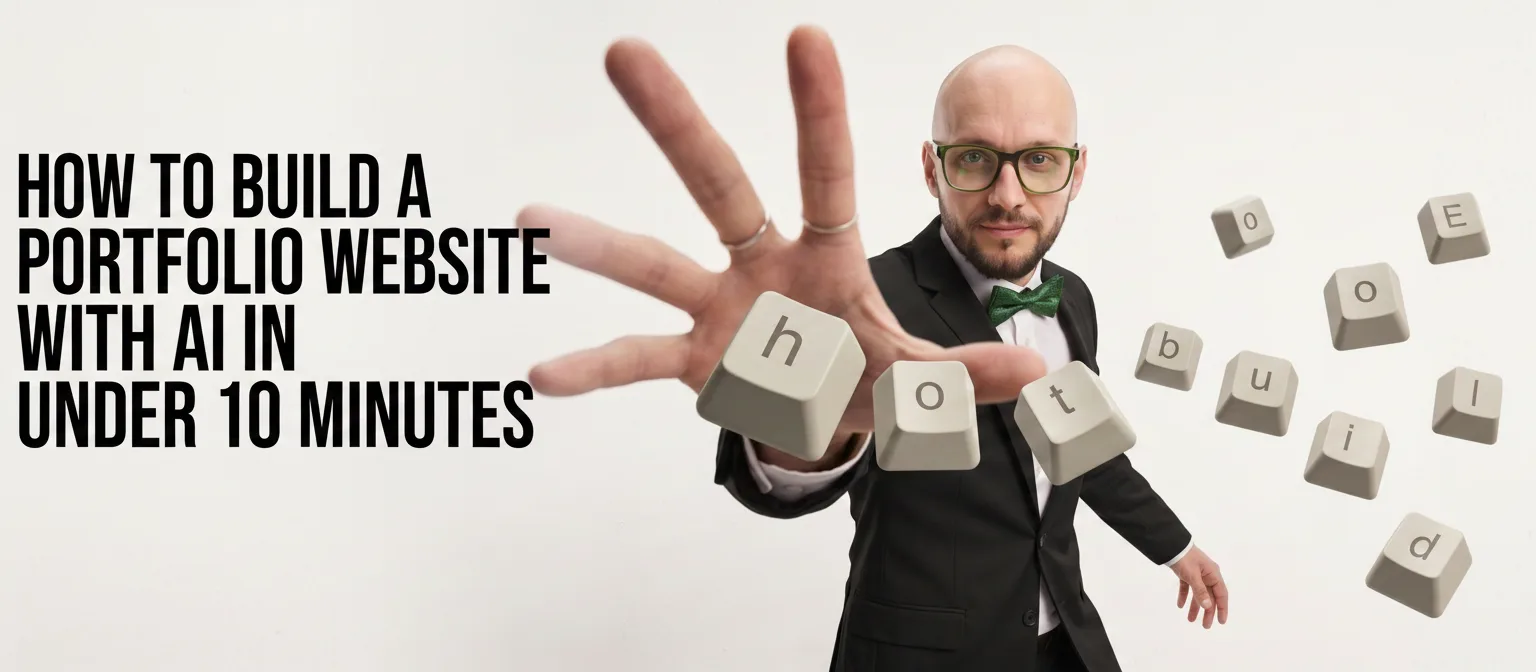
How to Build a Portfolio Website With AI in Under 10 Minutes
Mihaly Varga
Founder & AI Creative Director
Build a Standout Portfolio Fast Without Coding
Whether you are a creator, designer, video editor, or freelancer, having a sleek online portfolio is essential to landing high-paying clients. In 2026, you no longer need days of technical web development to showcase your work. With modern AI site generators, you can create a fully dynamic, mobile-responsive portfolio complete with interactive galleries and custom copywriting in under 10 minutes.
Step-by-Step AI Portfolio Build (10-Minute Workflow)
Follow this simple workflow to launch your portfolio today:
- 1Step 1: Pick Your AI Tool (1 Min) — Select a platform like Framer AI, Webflow AI, or Cursor AI depending on your required level of design customization.
- 2Step 2: Craft Your Prompt (2 Mins) — Input your niche, primary services, key projects, and visual theme (e.g., “Modern dark-mode video editor portfolio with lime accents and glowing UI elements”).
- 3Step 3: Generate & Refine Layouts (3 Mins) — Let the AI generate your hero section, project gallery, and about area. Re-arrange sections with drag-and-drop ease.
- 4Step 4: Upload Custom AI Assets (2 Mins) — Swap generic placeholder images with custom AI-generated graphics, textures, or motion covers to make your work pop.
- 5Step 5: Connect Domain & Publish (2 Mins) — Add your custom domain name, check your mobile preview, and hit publish.
Essential Sections Every AI Portfolio Needs
- Hero Section: Clear headline stating who you are, what you do, and a primary Call-to-Action.
- Featured Projects (Case Studies): High-quality visuals showcasing your best work, results, and prompts used.
- Client Testimonials / Social Proof: Trust markers that validate your skills.
- Contact Block: A simple form or booking link for instant inquiries.
Pro Tip: Elevate Your AI Portfolio with Unique Visual Assets
AI website builders create great layouts, but using stock templates often leads to generic-looking sites. To truly stand out, pair your AI site builder with custom-generated visual prompts, realistic textures, and dynamic video header transitions.
CTA Block & Final Button (Finalul Articolului)
Want to master advanced AI workflows and prompt engineering? Learn step-by-step how to build custom websites, generate stunning visual assets, and automate your creative process in our dedicated courses.
Comments
Loading…