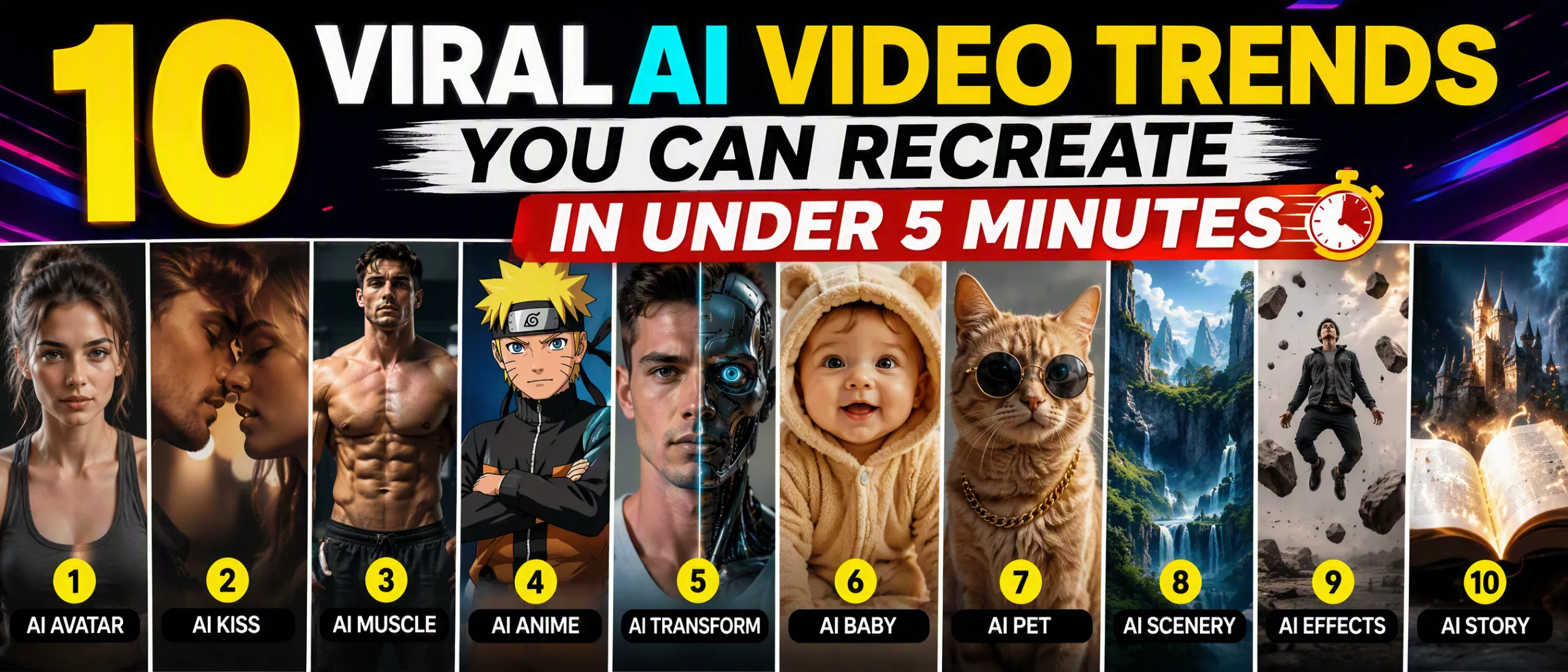
10 Viral AI Video Trends You Can Recreate in Under 5 Minutes
Mihaly Varga
Founder & AI Creative Director
Viral AI video trends move fast, but most of them are not mysterious. They are repeatable shot recipes: a clear visual promise, one strong motion idea, and a finish that loops or lands hard. If you can set a prompt, lock a reference, and export a short clip, you can recreate the formats that keep showing up on TikTok, Reels, and Shorts — often in under five minutes of real work.
At Boldly with AI, we treat trends as production templates, not as luck. Seedance is usually our pick when the clip needs cinematic camera language and continuous motion. Kling is often stronger when the brief wants kinetic energy, product motion, or punchy social pacing. Both tools can hit these formats if you direct them instead of hoping the model invents the trend for you.
“A viral format is a job description for the camera. Write the job clearly and the model has somewhere to aim.”
— Mihaly Varga, Boldly with AI
How to Run Any Trend in Under Five Minutes
Before the ten formats, lock a fast workflow. Most failed recreations waste time on vague prompts, weak references, and endless regenerations. Your five-minute budget should look like this: one minute for the shot plan, two minutes for prompt and references, one minute for generation setup, one minute for a rough export or screen grab check.
- 1Name the format in one line: subject, motion, reveal, and ending frame
- 2Pick one tool job: Seedance for cinematic continuity, Kling for energetic motion and product turns
- 3Use one strong still or character reference when identity matters
- 4Prompt camera + action before adjectives — then generate once, review, regenerate only if the beat is wrong
If you want ready-made short-form prompt packs for these patterns, start with our viral shorts library and adapt the shot, not just the adjectives.
1. Then vs Now Transformations
Then vs Now is still one of the highest-retention formats because the audience instantly understands the game: same subject, different state, hard contrast. Classic uses include old room to renovated room, tired face to polished look, empty storefront to busy brand moment, or dusty product to premium hero shot.
How to recreate it fast
- 1Generate or photograph a clear Before still with readable composition and one dominant subject
- 2Write an After prompt that keeps camera angle and framing almost identical while changing state, light, and finish
- 3Generate a short wipe, morph, or hard cut transition — do not invent a second unrelated scene
- 4Edit with a center split, swipe, or timed cut so the comparison is obvious in the first second
- Prompt cue: same camera height, same lens feel, change only the condition of the subject
- Seedance tip: ask for a controlled push-in on the After so it feels like a reveal, not a random morph
- Kling tip: keep motion short and decisive — a wipe or orbit beats a long wander
Common failure: changing too many variables. If face, wardrobe, room layout, and camera all jump, viewers stop reading it as Then vs Now and start reading it as two unrelated clips.
2. POV Product Drops
POV product clips put the viewer inside the use case. You see hands, a desk, a bag, a fridge door, a gym bag unzip — then the product appears with purpose. This format sells because it feels like a personal moment, not a catalog still.
How to recreate it fast
- 1Start with a first-person camera description: eye-level, slight handheld, readable hands or environment
- 2Introduce the product in the first 1–2 seconds with a clear action — open, place, pour, unfold, unbox
- 3Hold product fidelity with a clean reference image when logo and shape matter
- 4End on a hero angle that still feels POV, not suddenly cinematic advertising
- Prompt cue: first-person view, natural hand interaction, product remains sharp and brand-true
- Best tools: Kling for kinetic unbox energy; Seedance when the brand wants cleaner cinematic light
- Edit tip: add one soft foley hit on the reveal — silence kills POV realism
Keep the shot under eight seconds for most social feeds. If the product never becomes the visual hero, you made atmosphere, not a POV product drop.
3. Tiny World / Miniature Macro
Tiny world clips make ordinary objects feel like cities, stages, or film sets. A coffee cup becomes a canyon. A keyboard becomes a runway. A sneaker sole becomes terrain. The viral hook is scale surprise plus precise camera motion.
How to recreate it fast
- 1Choose one real-world object with strong texture and readable edges
- 2Prompt miniature people, vehicles, or architecture interacting with that object at consistent scale
- 3Add a macro camera move: slow crane, tiny orbit, or low tracking shot across the surface
- 4Keep depth of field shallow so the miniature illusion sells
- Prompt cue: miniature cinematic world on [object], forced perspective, macro lens, tiny characters in scale
- Seedance strength: elegant camera paths that feel directed instead of jittery
- Avoid: mixing giant and tiny logic in the same frame — scale inconsistency breaks the joke
This trend rewards one clever idea more than ten adjectives. Pick the object first. The story almost writes itself.
4. One-Take Character Entrance
The character entrance trend is simple: a subject walks into frame with confidence, the camera commits, and the vibe lands before dialogue ever appears. Fashion, music, creator branding, and AI short films all use this because presence is the product.
How to recreate it fast
- 1Lock character identity with a strong still or consistent face/wardrobe reference
- 2Prompt a continuous entrance: doorway, hallway, street corner, stage wing, elevator open
- 3Specify camera behavior: slow push, lateral track, or locked-off wide with subject walking into strength
- 4Stop generation when the pose peaks — do not wait for the model to invent a second scene
- Prompt cue: confident walk-in, continuous one-take energy, wardrobe detail sharp, cinematic backlight
- Seedance tip: write lens and pace explicitly — 35mm slow push often beats generic cinematic
- Kling tip: keep the walk energetic and short so limbs stay readable
If identity drifts mid-walk, regenerate with a stronger reference instead of stitching three faces into one entrance. Continuity is the trend.
5. Satisfying Loop / Endless Motion
Satisfying loops are engineered for rewatches: pours, folds, orbits, assembly lines, paint flows, geometric transformations. The end frame should almost match the start, or the motion should feel like it could continue forever.
How to recreate it fast
- 1Design a closed action: full orbit, pour and refill implication, fold that returns to start shape
- 2Prompt smooth continuous motion with no narrative cut points
- 3Generate a short clip and trim to the cleanest loopable section
- 4Export with a hard loop or crossfade only if the end/start mismatch is tiny
- Prompt cue: seamless looping motion, constant rhythm, no sudden camera reset
- Best use cases: brand marks, product materials, abstract process ASMR-style clips
- Edit tip: cut on the exact frame where motion direction matches the opening
Do not over-prompt story. Loops fail when the model invents a beginning, middle, and end that cannot reconnect.
6. Hyperreal Product Orbit
The hyperreal product orbit is ecommerce shorthand for premium. The camera circles a shoe, bottle, device, or package under controlled light while materials read as expensive. It is not subtle — and that is why it converts in feeds.
How to recreate it fast
- 1Use a clean product reference with true logo, color, and silhouette
- 2Prompt a controlled 360 or three-quarter orbit with studio light and reflective accents
- 3Keep background simple so the product owns the frame
- 4Generate short, then freeze the best angle as a poster if needed
- Prompt cue: slow product turntable orbit, soft studio key light, sharp logo fidelity, premium materials
- Kling often excels at energetic product motion; Seedance can feel more commercial-film polished
- Soft CTA fit: if you sell with video ads regularly, pair this with stronger prompt systems from our AI prompts hub
7. Weather / Element Takeover
Element takeovers wrap a subject in sudden rain, fog, sand, neon particles, cherry blossoms, sparks, or snow. The viral mechanic is contrast: calm frame, then environment floods the shot with controlled chaos.
How to recreate it fast
- 1Establish a clean base subject in the first beat
- 2Prompt a single element takeover with direction and density — not five effects at once
- 3Keep camera relatively stable so the element is the motion hero
- 4End as the element peaks or clears, depending on whether you want drama or catharsis
- Prompt cue: sudden cinematic rain sheets across frame, subject remains sharp, volumetric light
- Works for: fashion looks, car teasers, music visuals, mood branding
- Failure mode: element density so high the subject disappears before the hook lands
One element, one direction, one payoff. That constraint is what makes the trend readable in a silent autoplay feed.
8. Split-Reality Match Cut
Split-reality clips jump from mundane to fantasy while preserving composition: office to battlefield, subway to spaceship, kitchen to throne room. The match cut sells the joke or the flex.
How to recreate it fast
- 1Create Reality A and Reality B with matching subject placement and eye line
- 2Generate both as short clips or still-to-video pairs with the same camera grammar
- 3Cut on gesture, blink, door open, or head turn so the transition feels intentional
- 4Keep wardrobe or a prop as the continuity anchor when faces are hard to match
- Prompt cue: identical framing and subject pose, completely different world around them
- Seedance helps when both sides need cinematic coherence
- Edit tip: a 2–4 frame flash or whip can hide minor alignment errors
This is one of the fastest trends to overcomplicate. Two worlds. One match. One punchline.
9. Micro-Story in Three Beats
Not every viral clip is a single trick shot. Some are tiny stories: setup, complication, payoff — all inside six to twelve seconds. AI makes this viable when you plan beats instead of asking one prompt to invent a short film.
How to recreate it fast
- 1Write three shot lines on paper before opening any tool
- 2Generate each beat as a short clip with shared character or location references
- 3Keep wardrobe, time of day, and color grade family consistent
- 4Edit with hard cuts timed to music hits or caption reveals
- Beat map example: notice problem → attempt solution → unexpected win or fail
- Seedance longer clips can sometimes cover two beats in one generation if your prompt is staged
- For prompt systems built around short narrative, check Seedance-focused packs when cinematic tone matters
10. Text-Led Hook with Visual Proof
This trend starts with a bold on-screen claim, then proves it visually in seconds: "AI rebuilt this street," "Watch the product assemble itself," "Same face, three eras." The text is the hook. The generation is the evidence.
How to recreate it fast
- 1Write the claim first in five to eight words max
- 2Generate the proof clip with one undeniable visual change or demonstration
- 3Place text in the first 0.5 seconds with high contrast
- 4Let the visual finish the sentence — do not keep explaining in captions
- Prompt cue should serve the claim, not wander into unrelated beauty shots
- Great for tutorials, tool demos, before/after services, and course teasers
- If you teach this workflow, pair the format with structured learning instead of random scrolling
Tool Pairing Cheat Sheet: Seedance vs Kling for Trends
You do not need every model for every trend. Use the tool that matches the motion job. This is how we usually assign them in studio sprint sessions.
- Seedance: character entrances, cinematic takeovers, tiny worlds with elegant camera, micro-stories with atmosphere
- Kling: POV product energy, hyperreal orbits, punchy social motion, fast kinetic loops
- Either: Then vs Now and split-reality, depending on whether the cut needs polish or speed
- Neither replaces editing: captions, timing, sound design, and crop still decide retention
If your week is mostly short-form experiments, keep a living prompt board. Steal structure from proven packs, then swap subject and brand details. That is faster than writing every trend from zero.
Five-Minute Production Checklist
Use this as a sticky note next to your generator. If a step is missing, you are not actually working a five-minute trend — you are improvising.
- 1Trend name and one-sentence promise
- 2Subject + reference locked
- 3Camera move named in the prompt
- 4One motion idea only
- 5Ending frame that loops, lands, or proves the claim
- 6Caption or text hook prepared before export
- 7One regeneration rule: fix the beat, not the vibes
“Speed comes from constraints. Viral formats are constraints with distribution already built in.”
— Mihaly Varga, Boldly with AI
When a Trend Is Not Worth Recreating
Not every trending sound or visual meme deserves your credits. Skip formats that depend on celebrity likeness you do not have rights to use, require perfect multi-character dialogue sync, or only work because of a platform-native effect you cannot reproduce. Also skip trends where your brand has no honest angle — forced participation reads as spam.
- No rights path for the face, music, or trademarked world
- The joke requires context your audience does not share
- The format needs ten stitch points and your identity already drifts at two
- You cannot explain the visual promise in one spoken sentence
Choose trends that teach your audience something about your taste, product, or craft. That is how short-form compounds instead of resetting every week.
FAQ
Can beginners really recreate these in under five minutes?
Yes — if the shot plan is ready before you open the tool. The five minutes are for execution, not for inventing the concept from scratch. Keep a swipe file of formats and reuse structure.
Should I use Seedance or Kling for viral shorts?
Use Seedance when cinematic camera and continuous polish matter. Use Kling when you need energetic product or social motion quickly. Many creators keep both and assign by shot type.
Do I need perfect character consistency for trends?
Only when the trend is about a recurring person or brand face. Product orbits, tiny worlds, element takeovers, and many loops can win without a locked character. Entrances and micro-stories usually need stronger identity control.
What matters more — prompt quality or editing?
Both. A weak prompt cannot be saved by captions alone, and a great generation still dies in feed without timing, crop, and sound. Treat generation as cinematography and editing as directing for retention.
Where can I get prompts built for these formats?
Start with our viral shorts prompt packs, then branch into Seedance or Kling libraries when a format needs model-specific camera language. For bigger production support, explore AI video services when volume outgrows solo experimentation.
Trends are only disposable if your process is disposable. Build a five-minute recreation system once, and every new format becomes a remix instead of a scramble. That is how Boldly with AI creators stay fast without looking generic.
Comments
Loading…