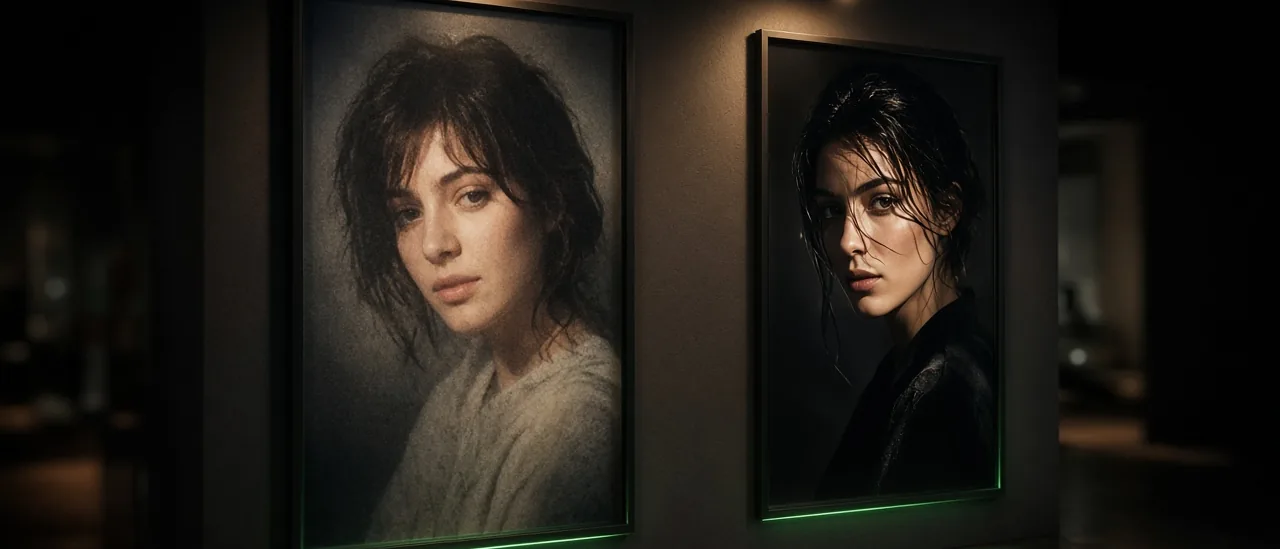
Then vs Now AI Video Templates (Wall Edition) 2026

Mihaly Varga
Founder & AI Creative Director
Then vs Now videos still win on short-form feeds because the story is obvious in one glance: the earlier person, the later person, and a camera move that connects them. The Boldly templates library is where those editions live, including Wall Edition.
Wall Edition is not Frame Edition. Frame loops a portrait inside a frame. Wall puts two people at a gallery wall, then moves the camera toward the next person. Same recreate modal, different story.
The four Wall Edition steps
- 1Generate Before: the earlier character, alone at the wall.
- 2Generate After: Before and After standing side by side.
- 3Meet video: a simple silent transition, or spoken lines if you want them.
- 4Toward the next: the camera tracks from the pair along the wall to the next person.
When to turn speech on
Leave both lines empty and the meet stays silent on Kling 2.6. Type what each person says and the job switches to Kling 3 with audio, between 3 and 10 seconds. Dialogue belongs in the video, not burned onto the still.
- Keep each line under about 220 characters.
- Use lowercase English for spoken lines so Kling 3 reads them cleanly.
- Name each person so the voices stay assigned.
- Do not put the line on the still prompt. The still is a photograph. The line is the clip.
What to upload
Before is a clear earlier photo. After is the current portrait. Next is the person the camera should find after the pair. Soft window light and a straight-on face beat a group shot. If the face is tiny in the frame, the still step spends its budget reconstructing identity instead of the wall.
“A Then vs Now clip fails when the two stills could be different people. Lock the face first, then ask for the camera move.”
— Mihaly Varga, Boldly with AI
Open the templates
Start in Templates, open Wall Edition, and run Before before you write a line. Speech is optional. The wall, the pair, and the move toward the next person are the format.
Comments
Loading…