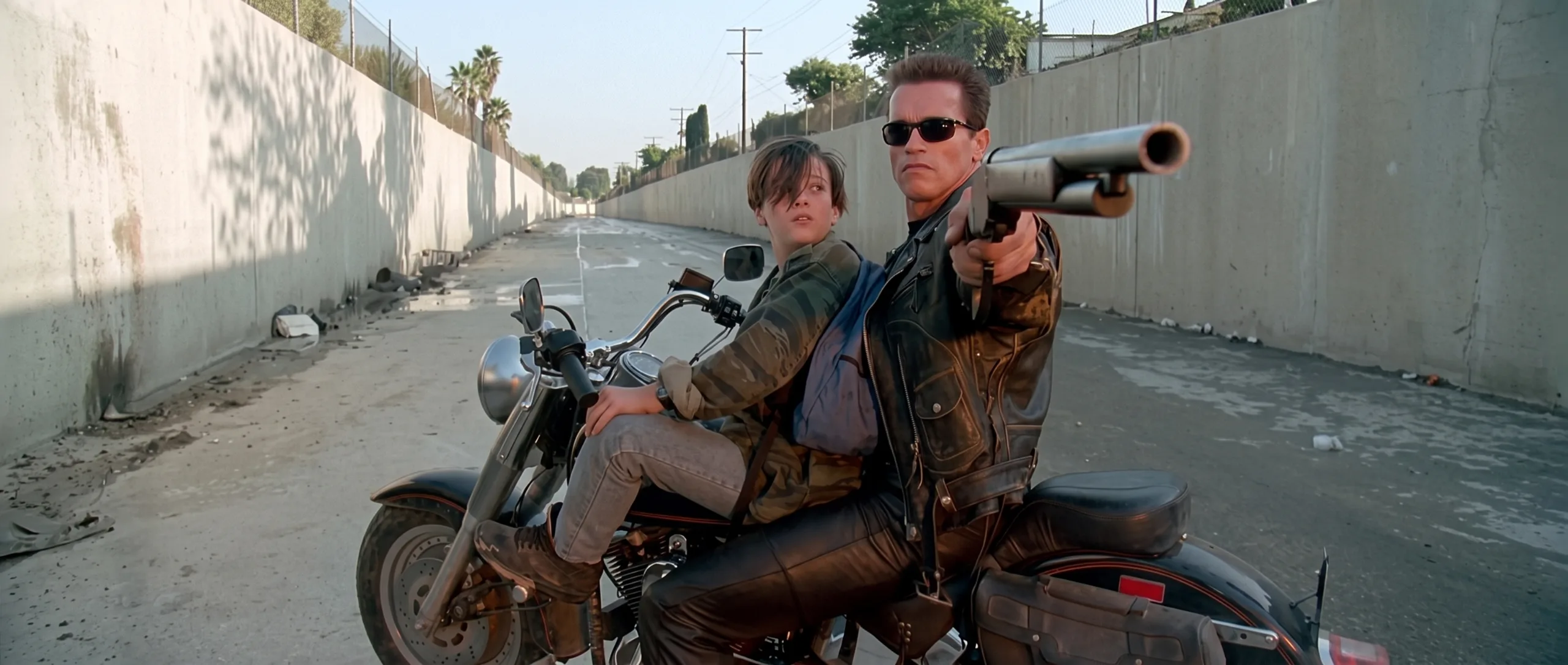
Terminator 2 Then vs Now: Creating Viral Wall Edition AI Videos
Varga Mihaly
Prompt Engineer
The Wall Edition has taken short-form video platforms like TikTok, YouTube Shorts, and Instagram Reels by storm. By positioning modern actors next to a framed gallery wall of their legendary past characters, this format generates instant nostalgia and high audience retention.
Among all pop culture franchises, few evoke stronger reactions than Terminator 2: Judgment Day. Converting iconic sci-fi characters into dynamic AI videos requires a precise image-to-video pipeline. Here is how to create, structure, and animate a Terminator 2 Wall Edition short.

THEN: Robert Patrick as T-1000 in Terminator 2.
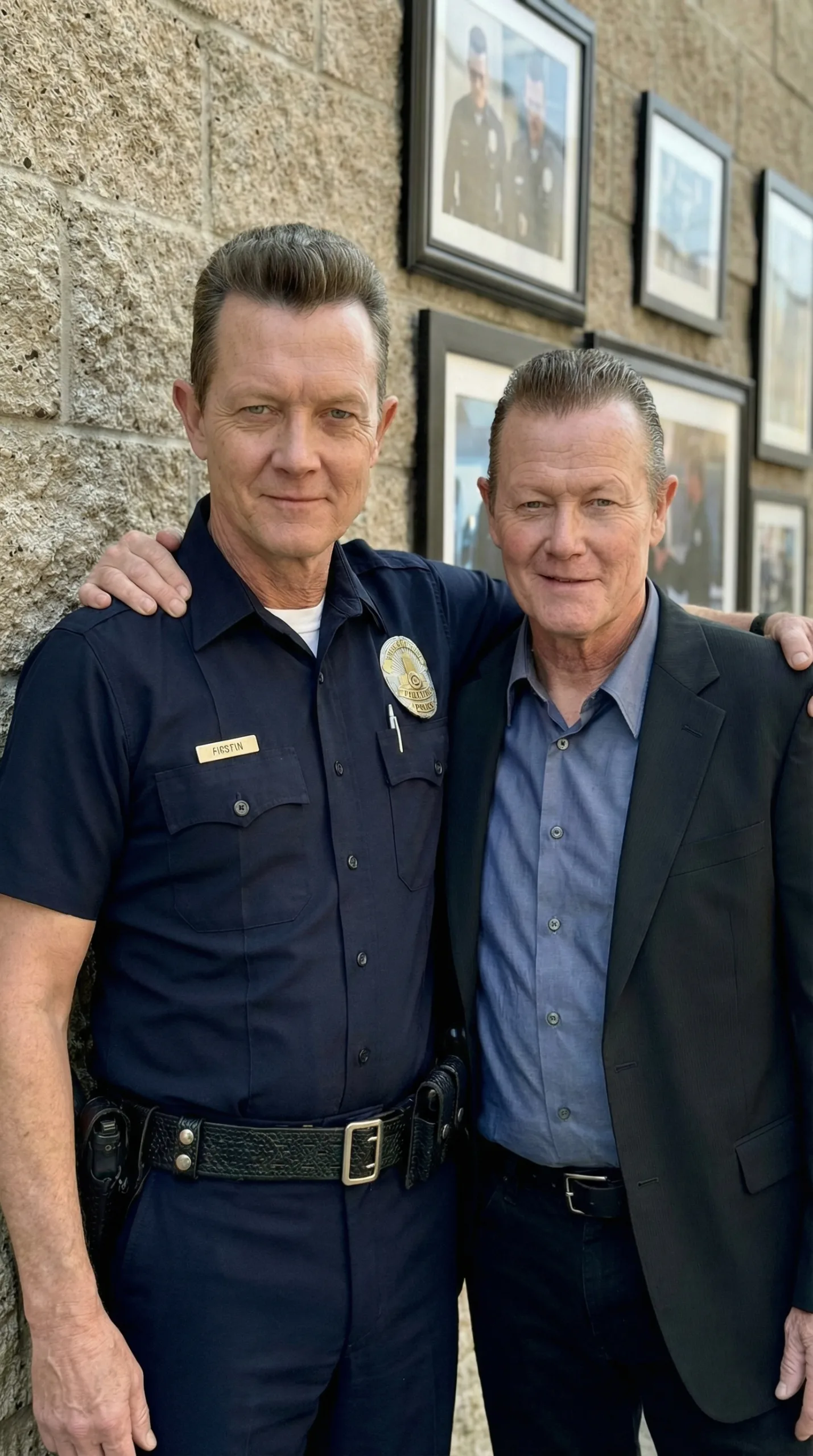
NOW: Side-by-side with his modern appearance.
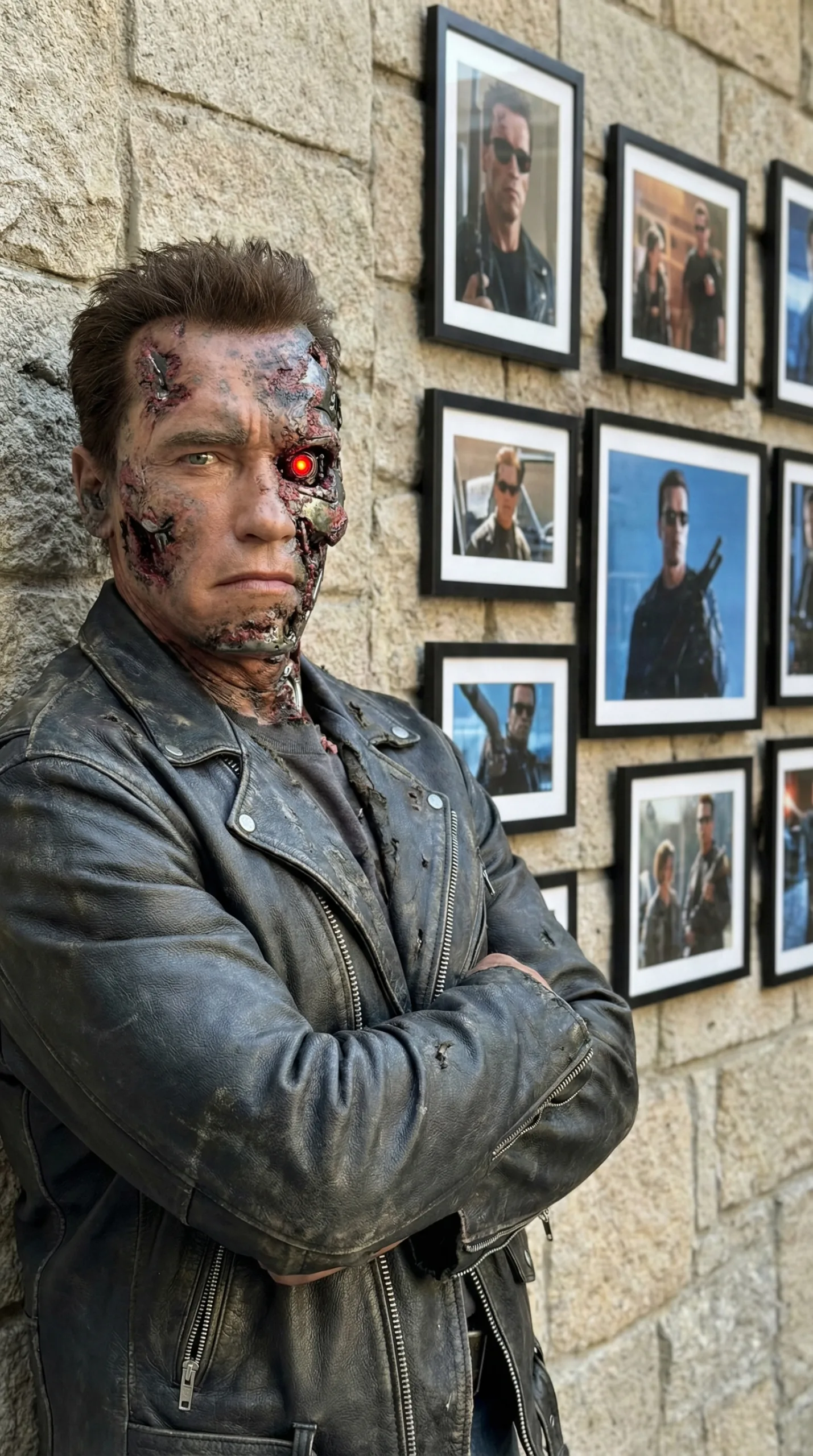
THEN: Battle-damaged T-800 from Terminator 2.
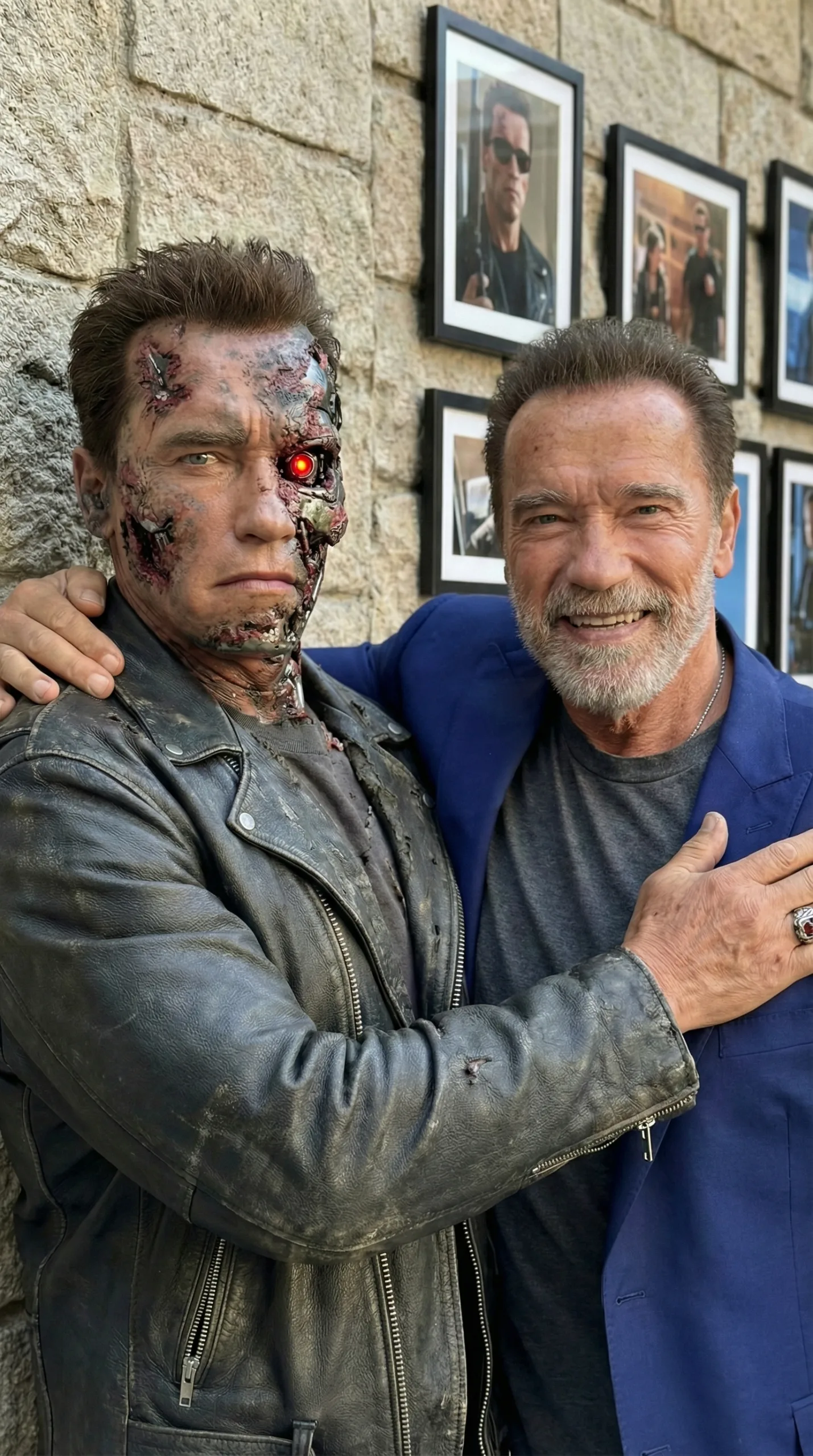
NOW: Side-by-side with modern Arnold Schwarzenegger.
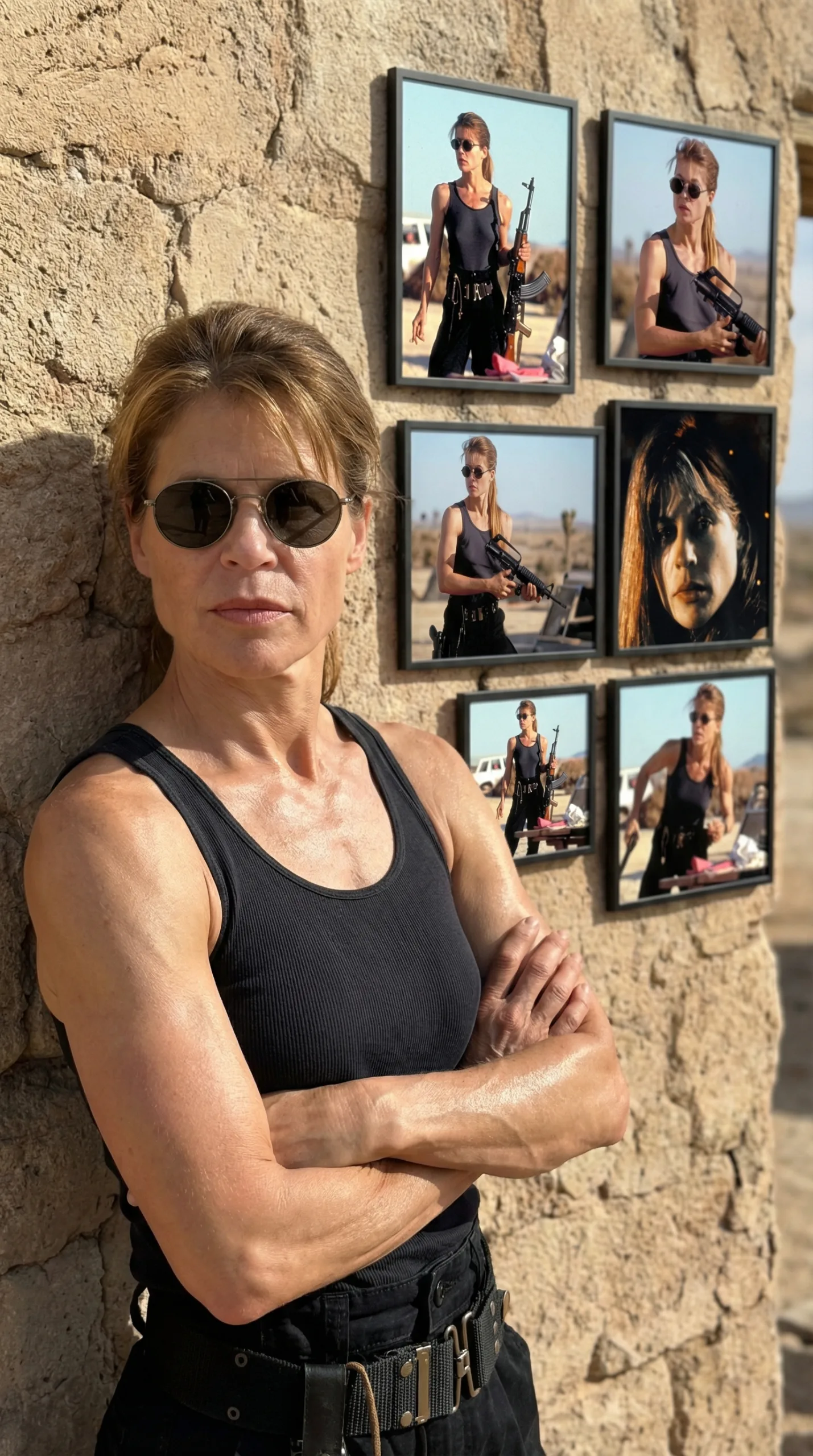
THEN: Linda Hamilton as Sarah Connor in Terminator 2.
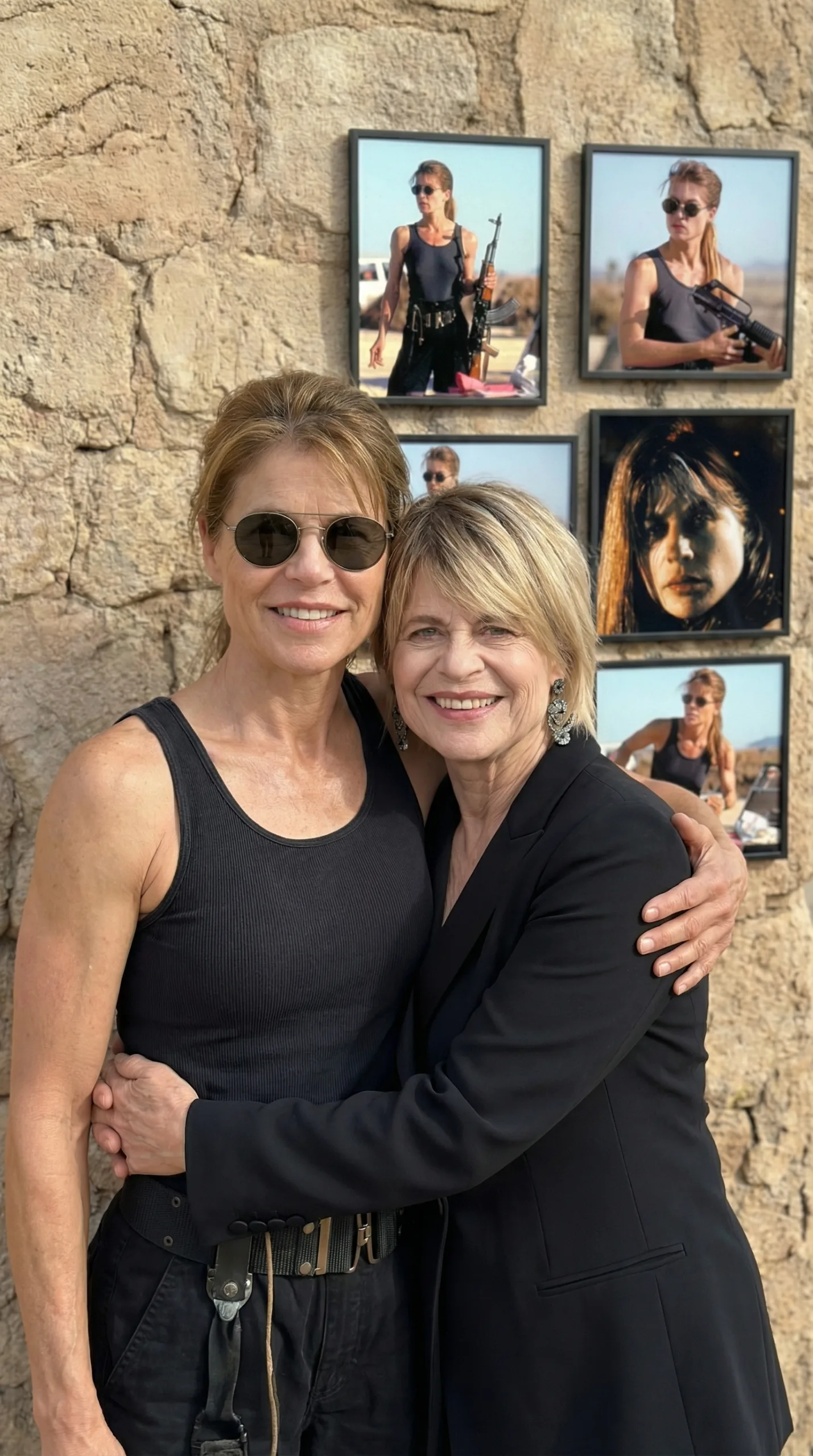
NOW: Side-by-side with modern Linda Hamilton.
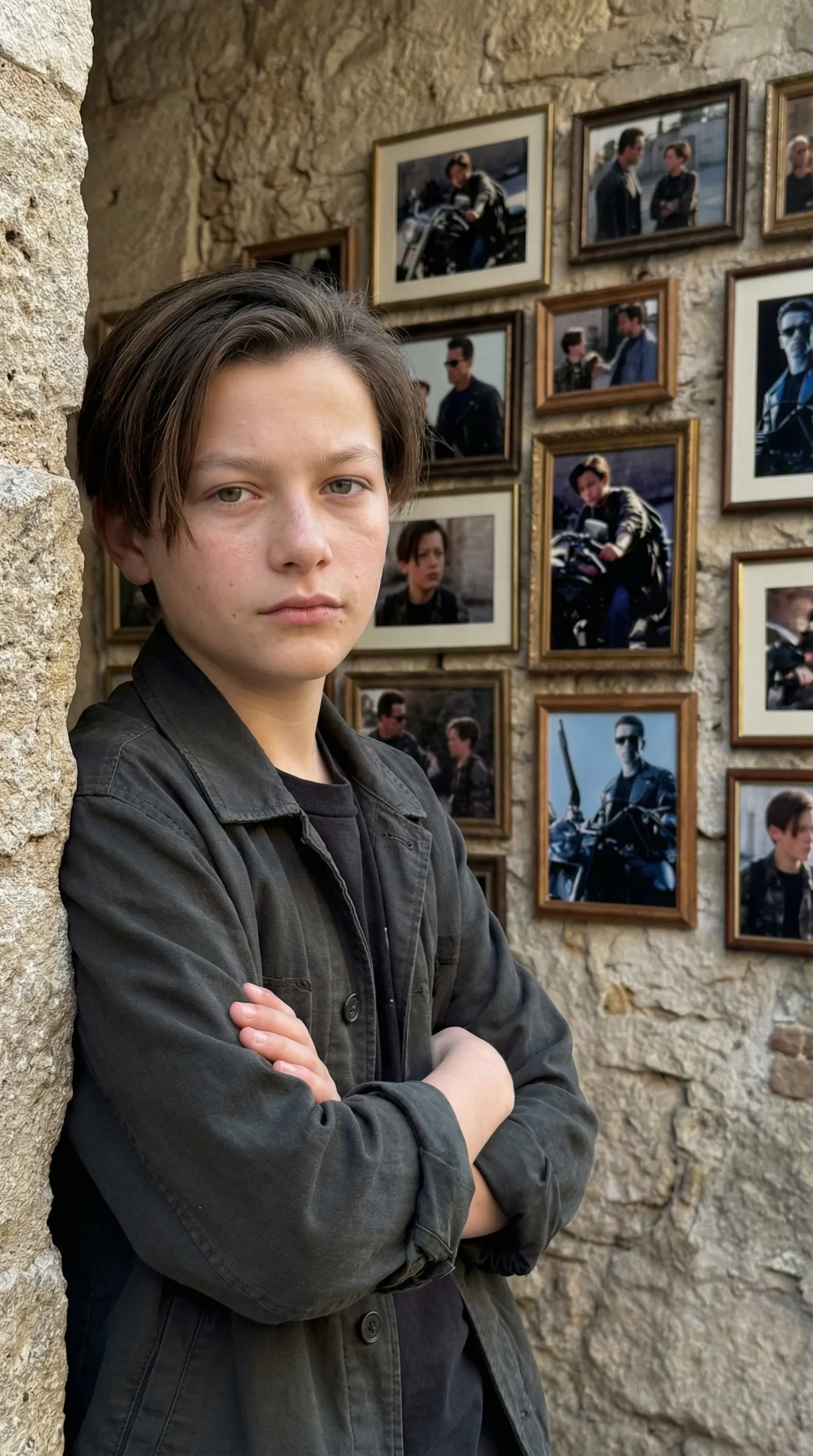
THEN: Edward Furlong as young John Connor in Terminator 2.
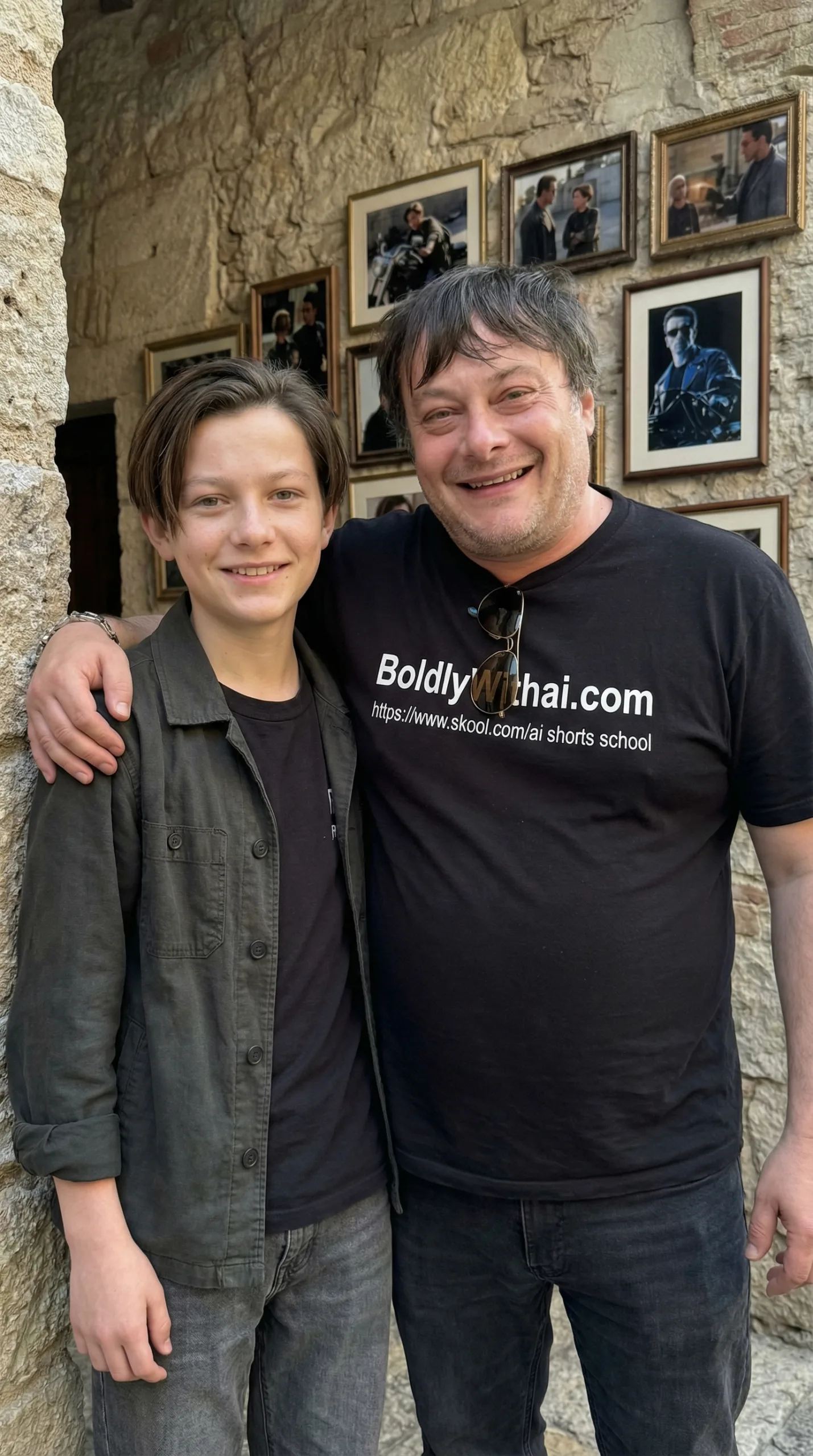
NOW: Side-by-side with his modern appearance.

THEN: Joe Morton as Dr. Miles Dyson in Terminator 2.

NOW: Side-by-side with his modern appearance.
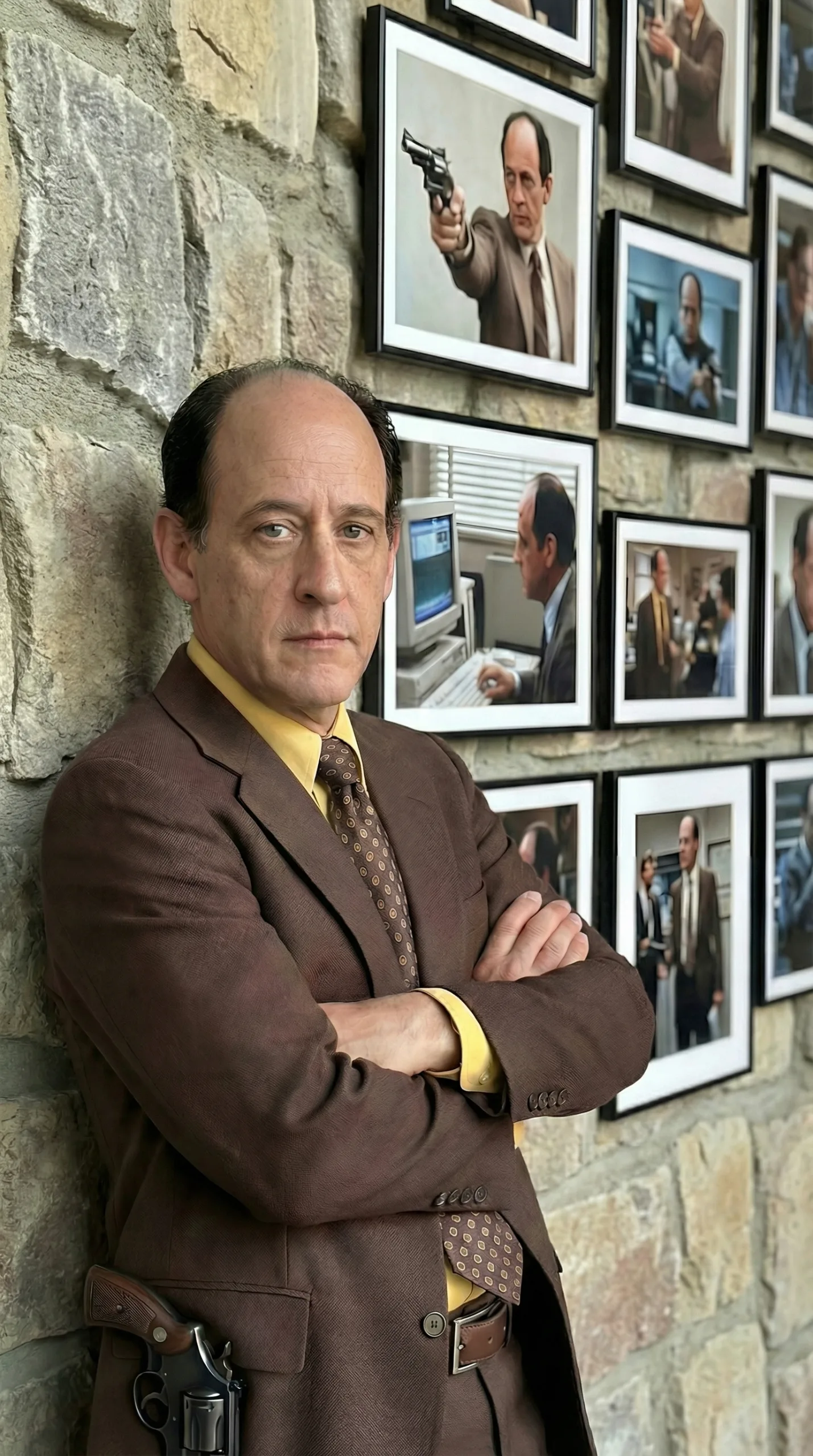
THEN: Earl Boen as Dr. Peter Silberman in Terminator 2.
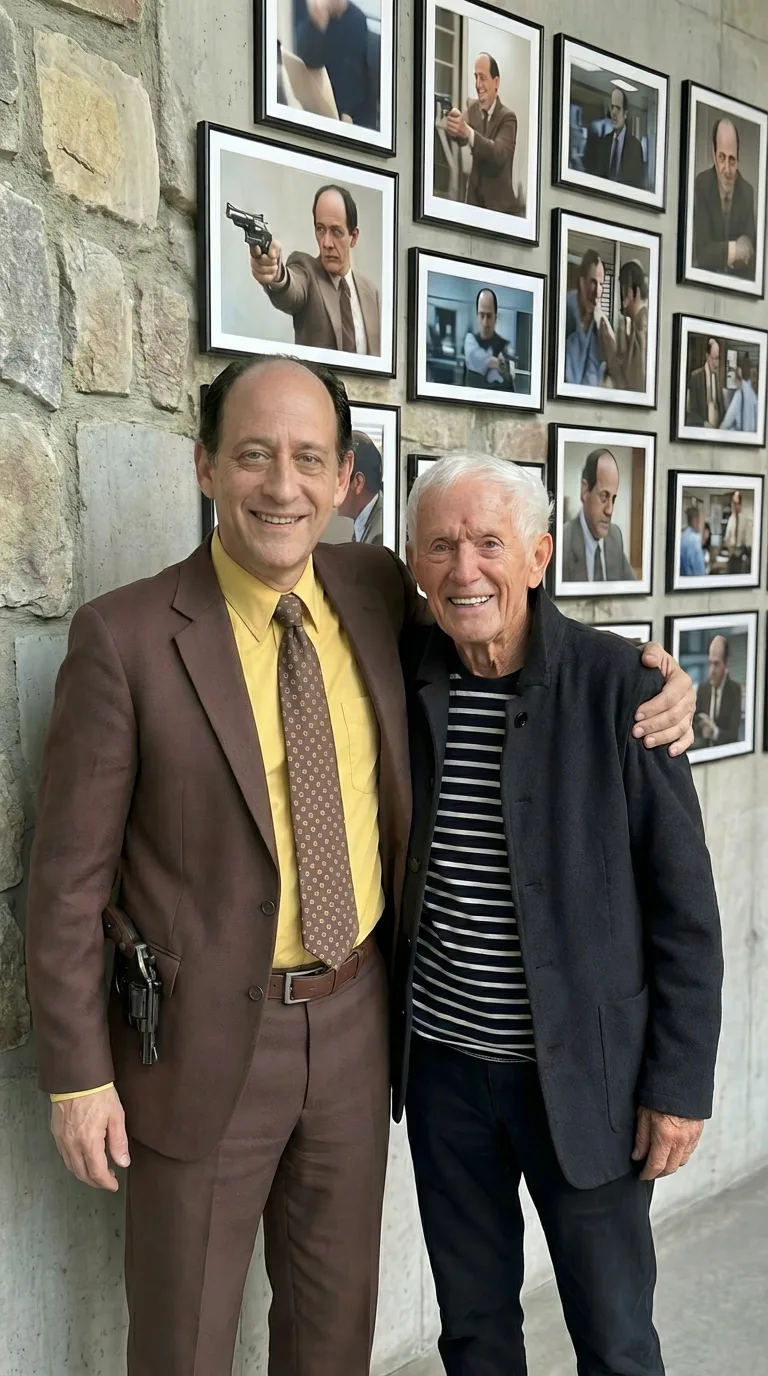
NOW: Side-by-side with his modern appearance.
Why the Terminator 2 Wall Edition Goes Viral
Short-form video algorithms heavily reward visual contrast and detail. The Terminator 2 theme leverages three powerful engagement drivers:
- Peak Sci-Fi Nostalgia: Highlighting classic 90s action aesthetics instantly captures fans of the original franchise.
- Background Frame Detail: Viewers rewatch and pause the clip to analyze the smaller framed photos showing behind-the-scenes moments and movie stills.
- Seamless Motion Transitions: Animating a static keyframe into subtle real-time movement elevates simple image edits into cinematic short videos.
Key Elements of a Terminator Wall Edition Keyframe
To ensure your AI video generator (such as Seedance, Kling, or Higgsfield) renders clean movement without visual glitches, your base image needs clear structural anchors:
- Industrial Wall Aesthetic: Use dark slate grey, exposed concrete, or deep blue tones to fit the gritty Terminator universe.
- Framed Archive Stills: Gold or metallic black picture frames displaying iconic T-800, Sarah Connor, or John Connor film stills.
- Costume Anchor: High-detail leather jackets, sunglasses, or battle-damaged textures that anchor the character identity instantly.
- Consistent Studio Lighting: Sharp high-contrast key lighting matching both the subject and the frame glass reflections.
Animate Your Keyframe into a Video Short
Once your initial Terminator keyframe is generated, upload it into your image-to-video tool. Keep camera motion simple to preserve face structure and background geometry.
Recommended Camera Motion Cues
“Camera: Slow push-in dolly shot starting from a medium wide view showing the frame wall, focusing on the character's face. Subject Motion: Micro-gestures — subtle head turn, slow eyewear adjustment, natural breathing, and eye movement toward camera. Lighting Motion: Flickering neon or metallic rim-light reflections shifting across the photo frame glass. Constraints: Do not distort the wall frames, keep facial features locked, maintain cinematic 16:9 or 9:16 aspect ratio.”
Get Ready-to-Use Viral Prompts
Ready to build your own Terminator 2 and pop culture Then vs. Now videos? Access our full library of keyframe prompts and motion settings designed specifically for viral short content.
Comments
Loading…