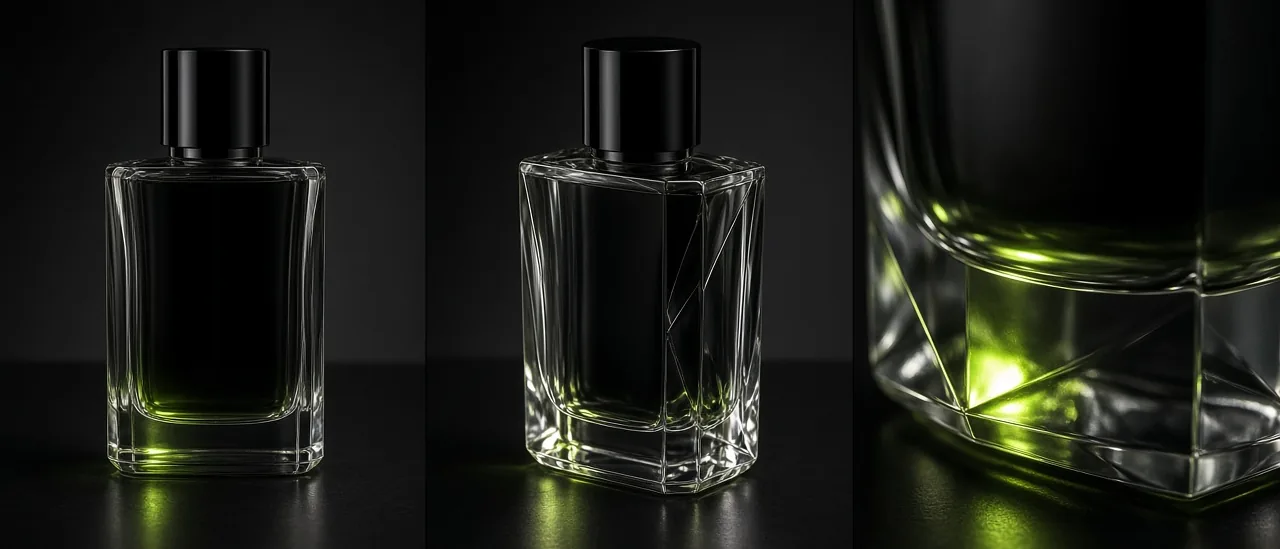
#ai props#product sheet#contact sheet#multi-angle#@tag#create studio
AI Prop Sheets and Product Angles (2026)

Mihaly Varga
Founder & AI Creative Director
23 September 2026
6 min read
A hero product falls apart when the label, the cap, or the silhouette changes in the next frame. Props builds a contact sheet of that one object from several cameras and saves it as an @tag.
What to put on the sheet
- One object. A second product becomes a second sheet.
- Front, three-quarter, and a detail of the part people must recognize.
- Neutral light on the sheet. Drama belongs in the scene, not on the reference.
- Save the @tag and call it when the character holds the object.
Sheet, then the shot
The contact sheet is not the ad. It is the proof of the object. Once it holds, place it in a Location or in a person's hand from Create Character. For a spin instead of stills, use Turntable.
Open Props before you write the commercial prompt. The object should already exist.
Comments
Loading…