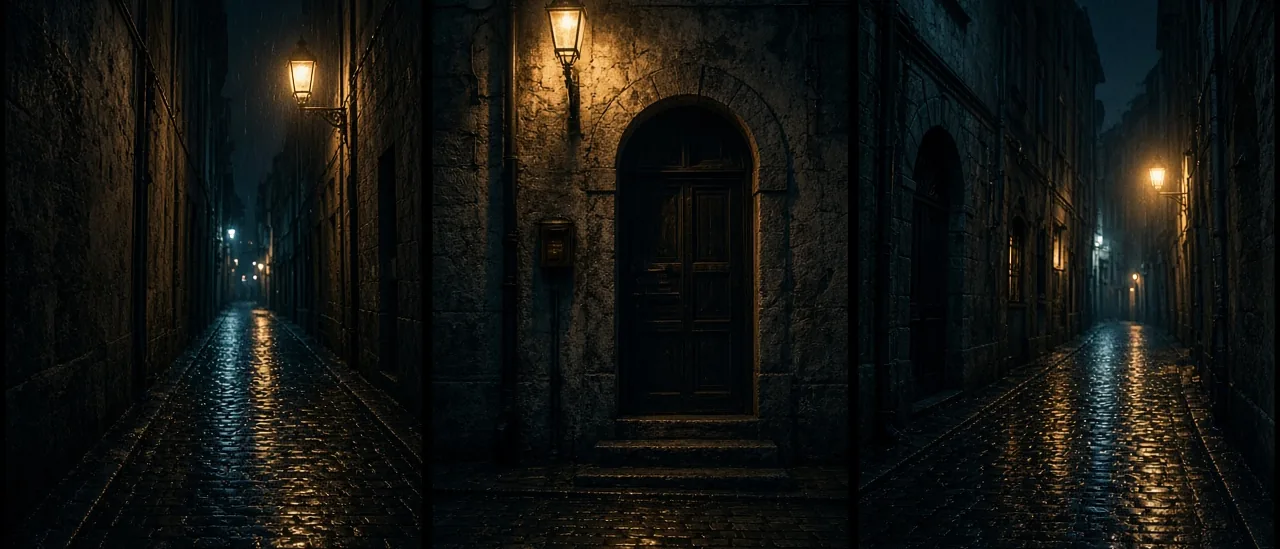
#ai location#film set#create location#multi-angle#@tag#ai filmmaking
Reusable AI Film Locations (2026)

Mihaly Varga
Founder & AI Creative Director
23 September 2026
7 min read
A prompt that says night alley will invent a new alley every time. Location fixes that. You set atmosphere and style, generate a multi-angle scene sheet or separate shots, and save the set as an @tag.
Sheet or separate shots
The sheet is the map: the same place from several cameras, so a later close-up still belongs to that street. Separate shots are for when one angle must be a full frame you can hand to Film Studio as a start image.
- Name the time of day and the weather once. Do not restyle them per shot.
- Keep architecture stable: the same door, the same lamp, the same wet ground.
- Save the @tag before you put a person in the frame.
- Put the character in with a start still, not by rewriting the whole set.
People and objects stay in their own apps
The face is Create Character. The object on the table is Props. Location is only the place. Mixing all three into one prompt is how the alley changes between cuts.
Open Location and lock the set before you shoot the scene.
Comments
Loading…