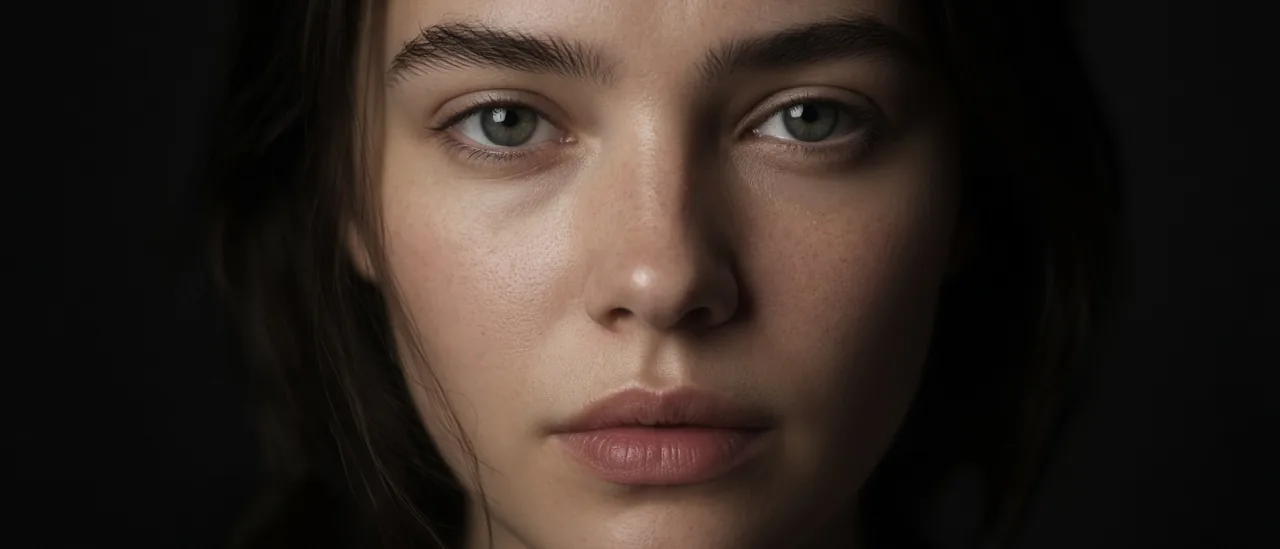
#skin enhancer#ai portrait#skin texture#retouch#create studio#photoreal
Skin Enhancer for AI Portraits (2026)

Mihaly Varga
Founder & AI Creative Director
23 September 2026
6 min read
Plastic skin is the tell on an otherwise good still. Skin Enhancer takes the portrait you already have and changes the texture: soft, realistic pores, or imperfect natural detail.
Pick the texture the shot needs
- Soft when the frame is beauty and the light is already flattering.
- Realistic pores when the person must survive a close-up in Film Studio.
- Imperfect natural detail when a clean AI face looks too new for the story.
- Do not run it on a full-body wide. The tool is for the face you uploaded.
Enhance after the identity is locked
Build the person in Create Character or Influencer Studio first. Skin Enhancer does not invent a new identity, a new age, or a new angle. If you need a different camera, use Angles before the texture pass, not after.
Open Skin Enhancer on the portrait you plan to keep, and choose the texture that matches the lens.
Comments
Loading…